Add a Deceased Parent to Your Wedding Photo
A natural, respectful way to complete a wedding memory — without obvious editing or before/after effects.
For couples whose mom or dad couldn't be there, this creates a photo that reflects what the day truly meant.
Examples (single images)
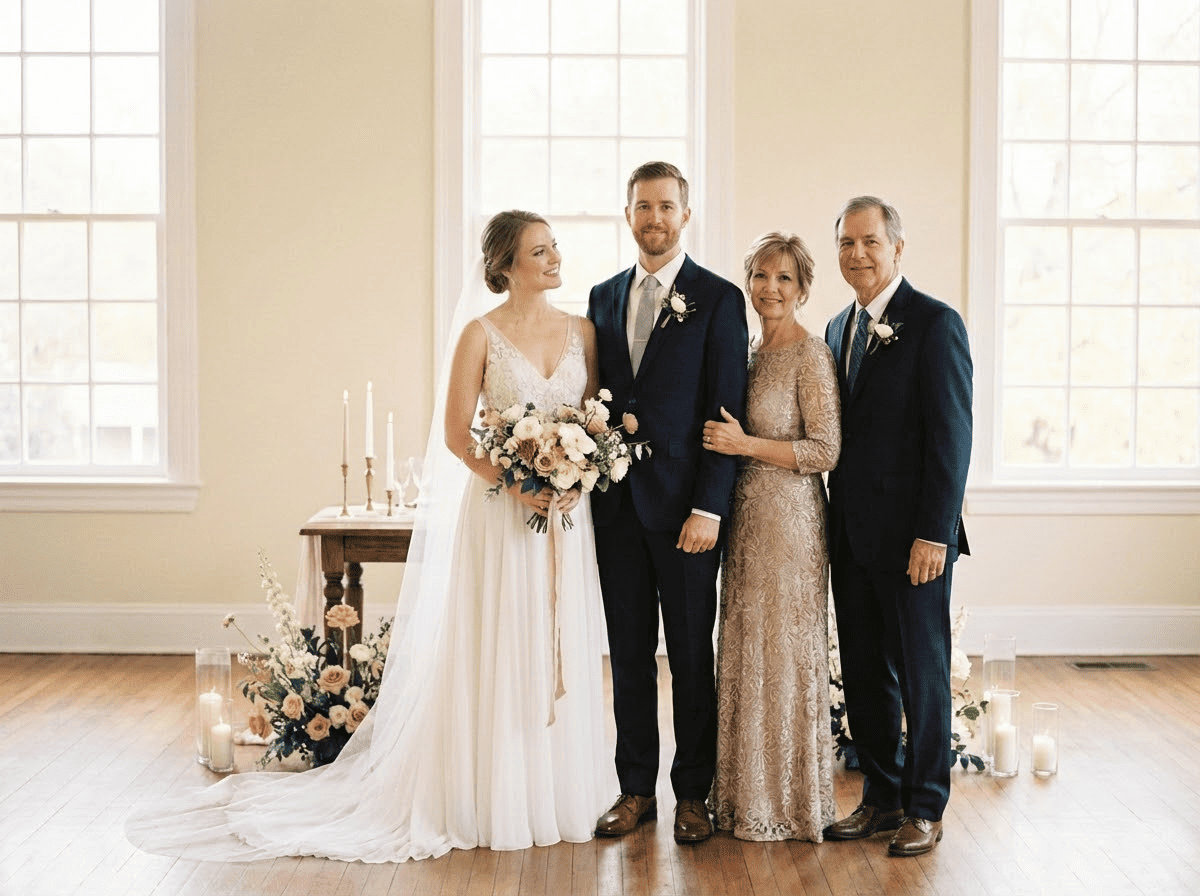
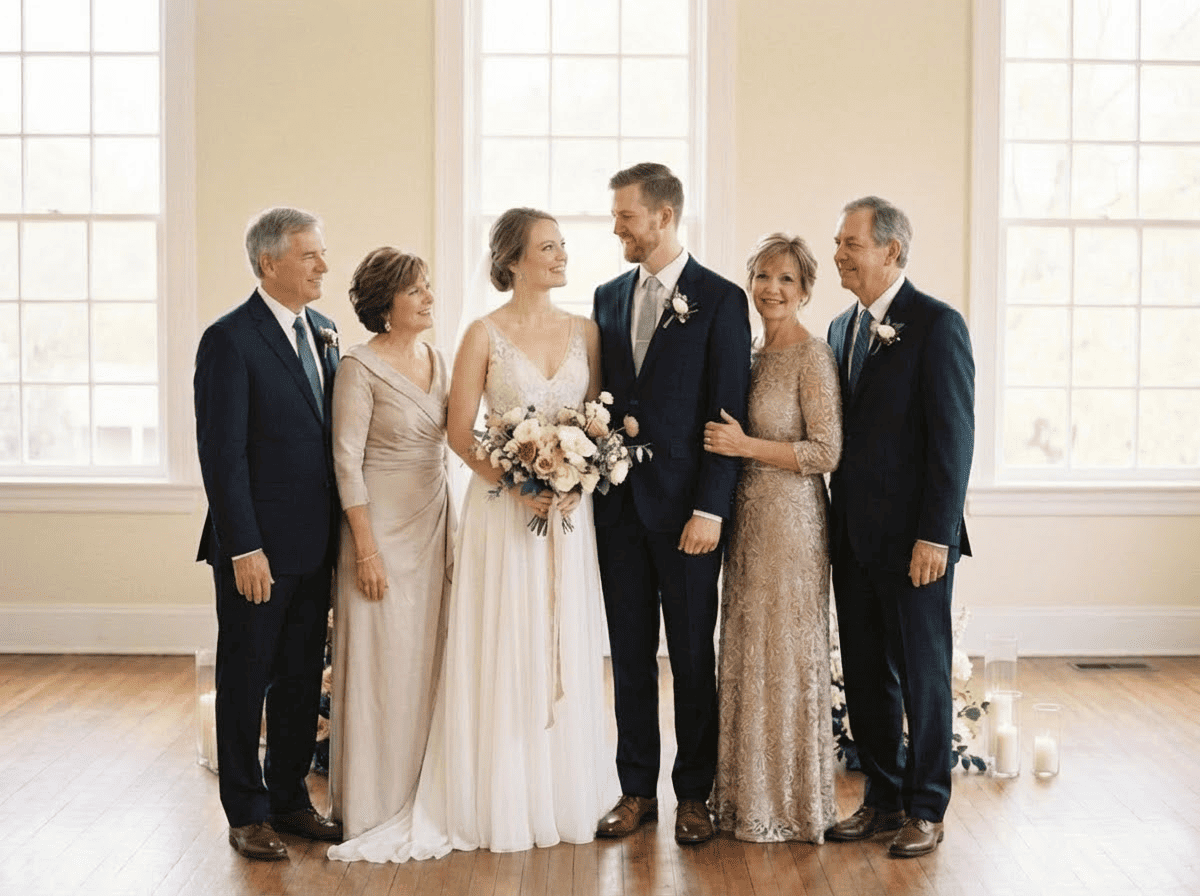
Quick checklist
Best results happen when the photos are clear and well-lit.
- Wedding photo: original size, minimal filters
- Parent photo: face clearly visible
- Leave natural space for placement
A quiet way to complete a wedding memory
Many couples grow up imagining their wedding day with both parents present.
When a mom or dad has passed away, the photos can feel incomplete — even if the day itself was beautiful and full of love.
Adding a parent back into a wedding photo helps create an image that matches the emotional truth of the moment — a memory that feels whole, not altered.
How couples create a complete wedding photo
What makes the result look natural
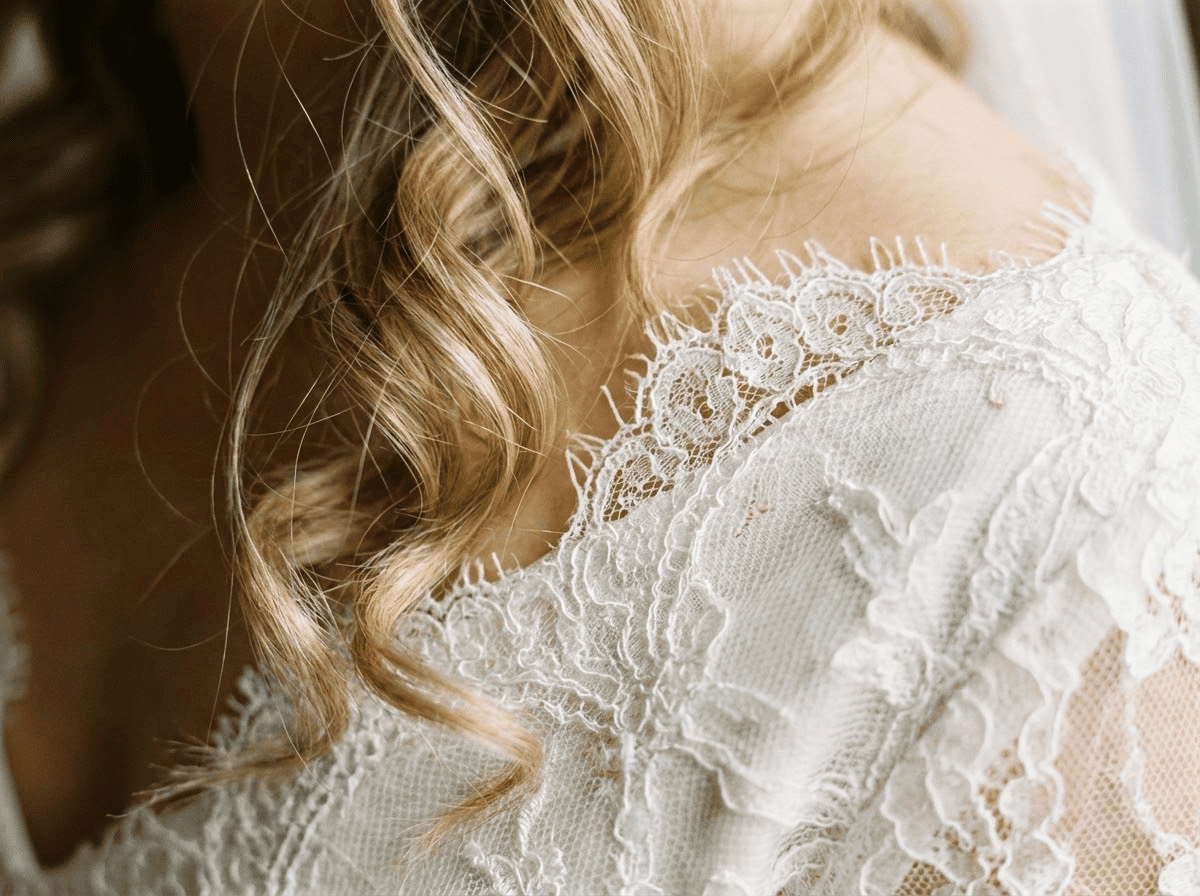
A wedding photo only feels real when the details align. The most important factors include:
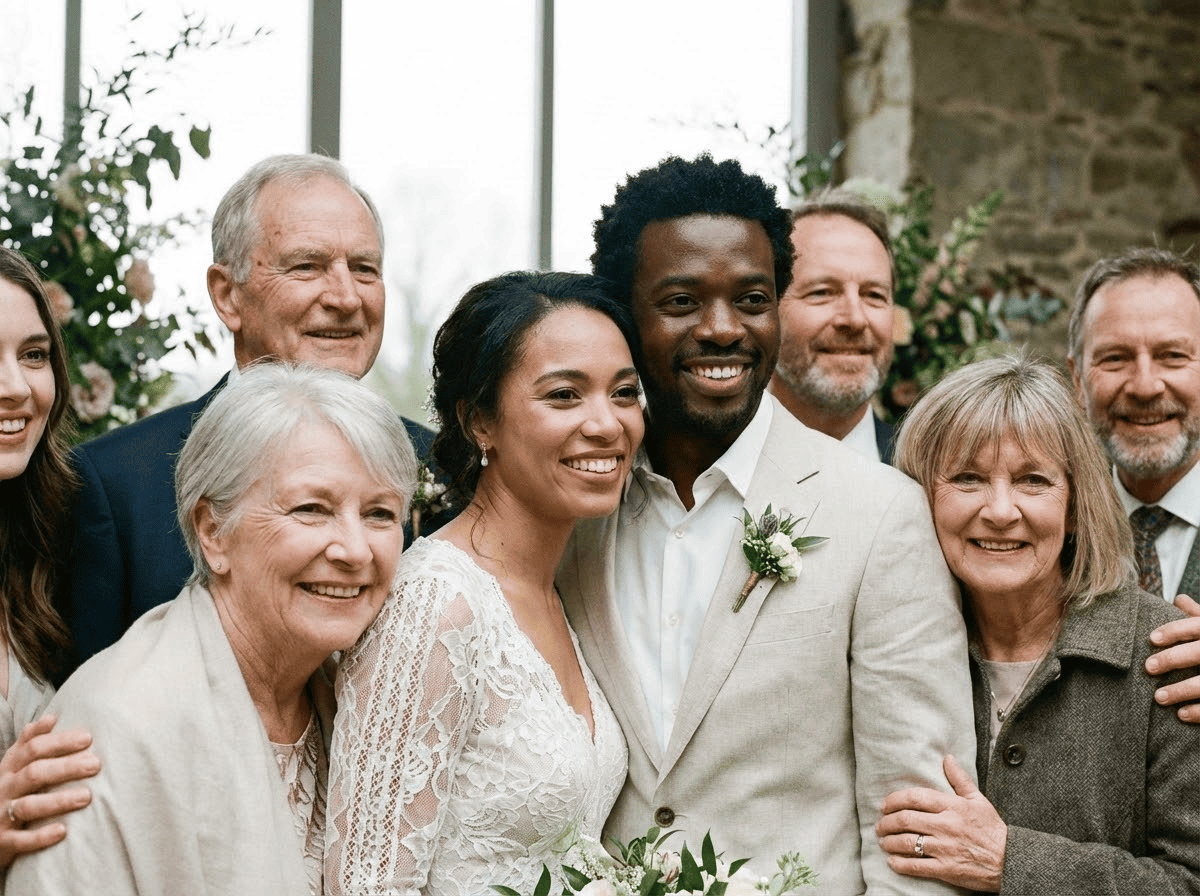
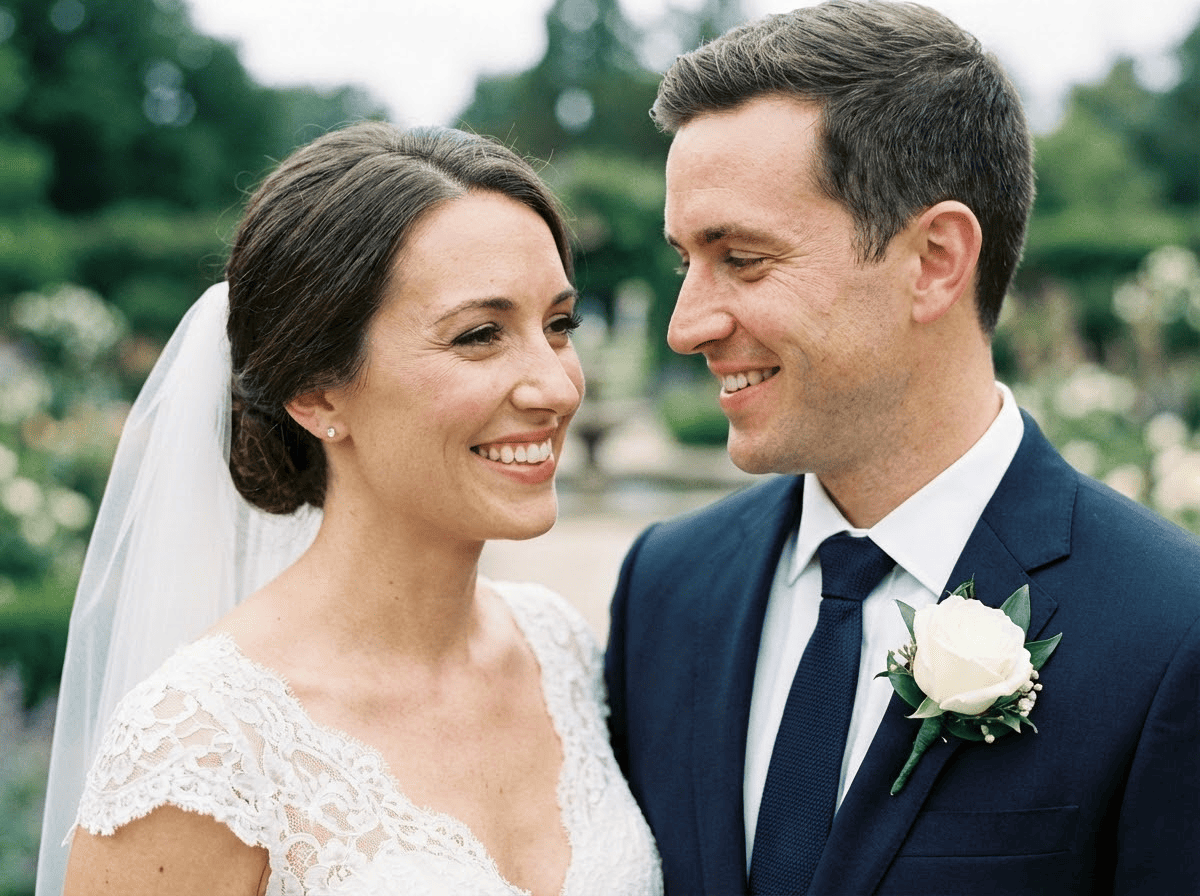
Understanding realistic expectations
This works best when both photos are clear and taken from similar angles.
If lighting conditions, resolution, or perspective are very different, results may vary — and that's completely normal.
The goal isn't technical perfection. It's creating a photo that feels right to you and honors the moment in a meaningful way.
Tips for the best result
- Use the highest-resolution version you have
- Avoid heavy filters or extreme blur
- Choose a photo with a natural place for a parent to stand
- Clear face, good lighting, minimal obstruction
- Front or slight side angle works best
- If multiple people appear, parent should be the main subject
Common ways people use this
- Adding dad beside the groom in a formal wedding portrait
- Including mom near the bride as part of the family group
- Completing a group photo with a visible "missing spot"
- Creating a printable photo for a memorial table or keepsake album
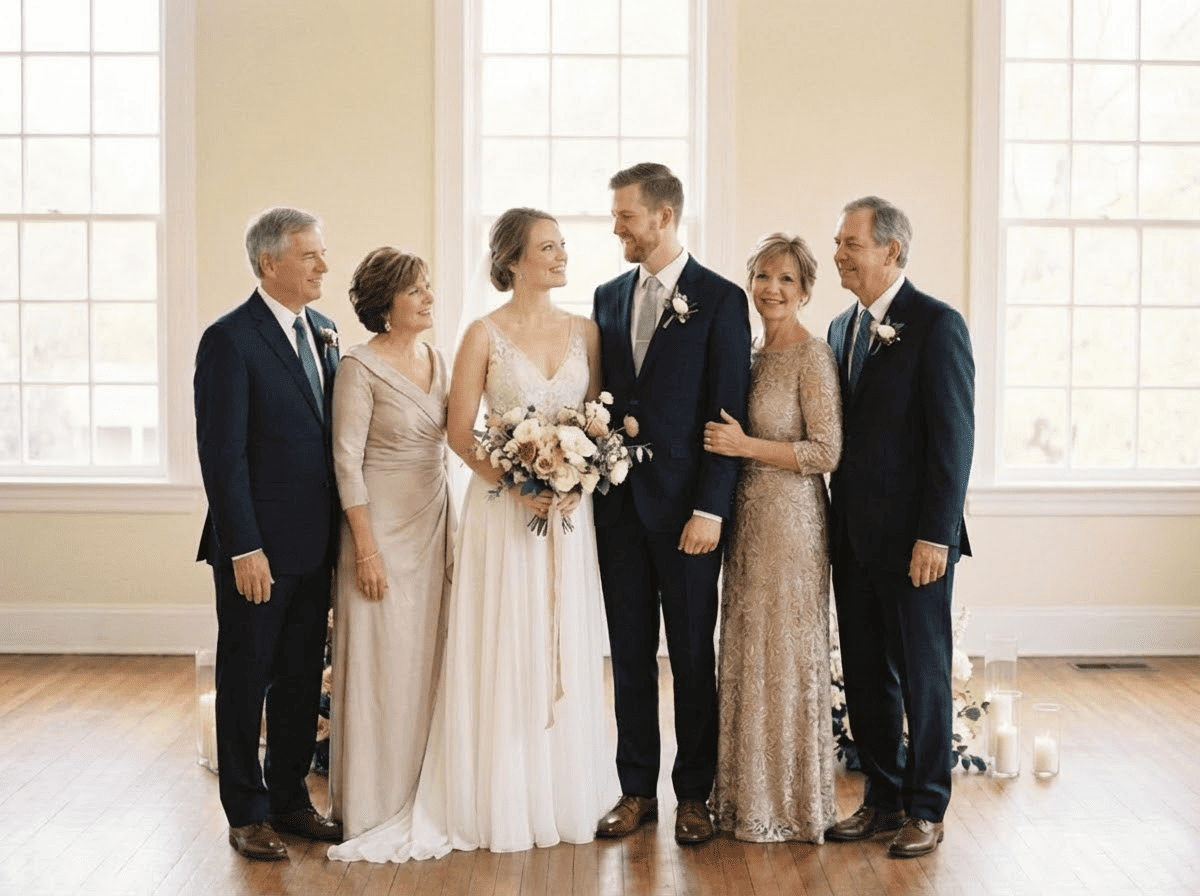
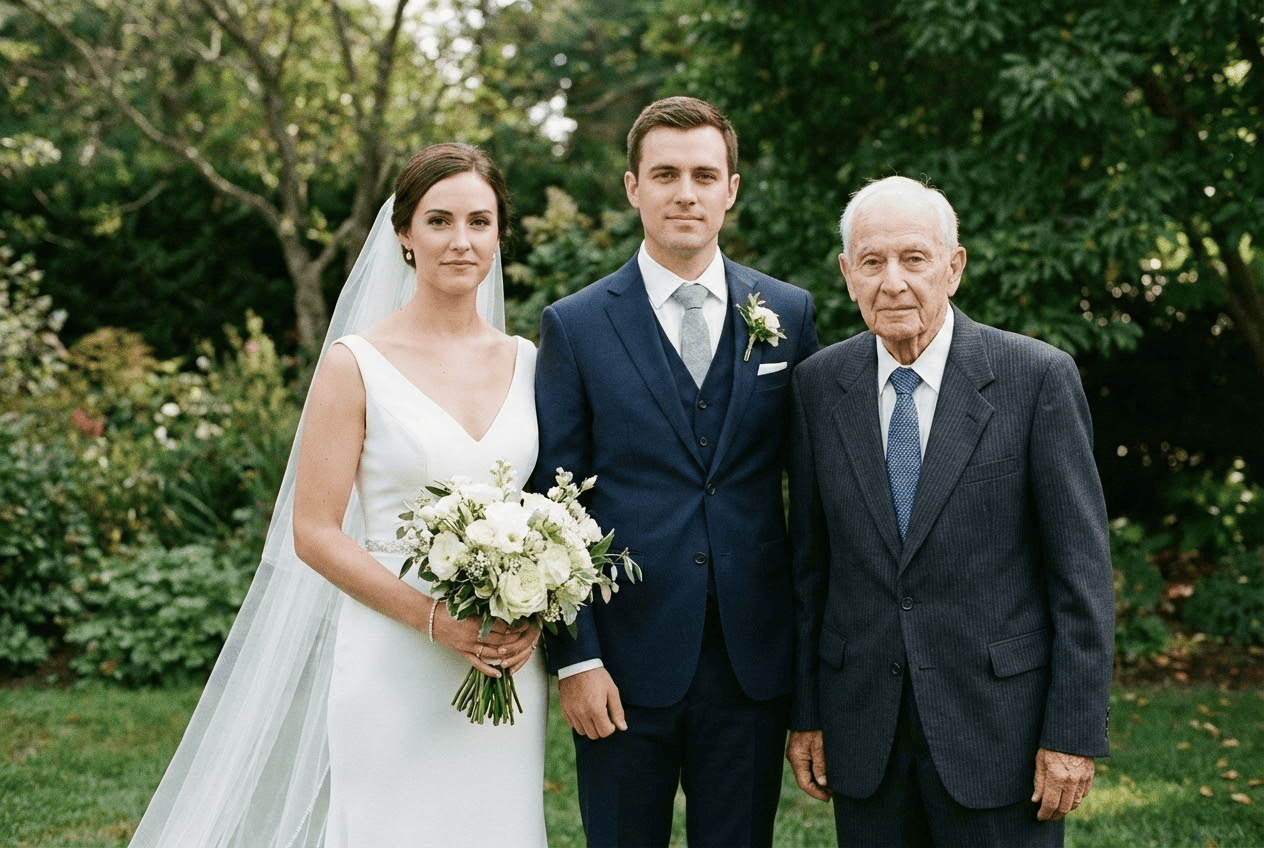
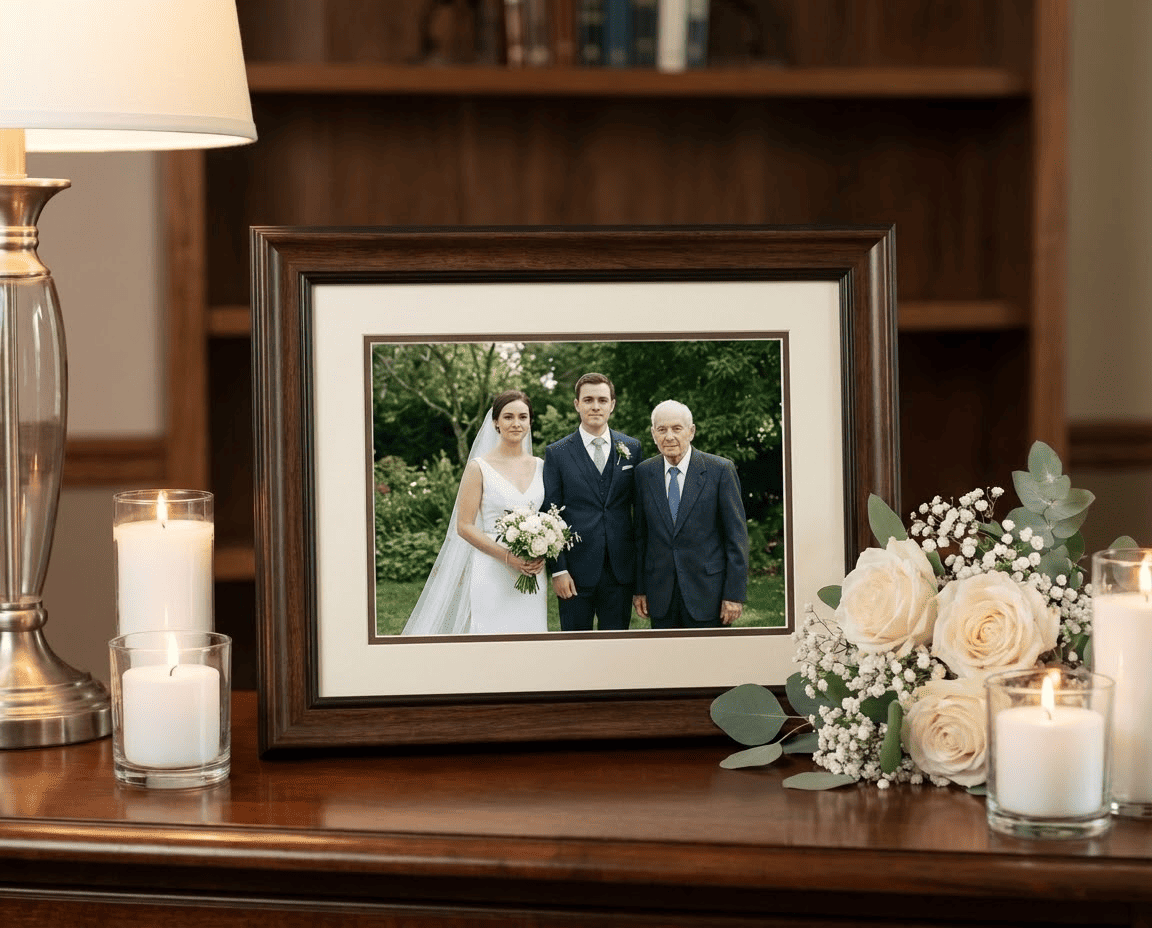
(We intentionally avoid before/after comparisons — the goal is a result that simply looks real.)
Is this right for you?
- Want a respectful way to include a parent who passed away
- Care more about emotional realism than technical effects
- Prefer a natural-looking result, not heavy editing
- You want dramatic artistic effects
- Your photos are extremely low quality or heavily altered
- You need a perfect result in one try
That's okay — it may simply take a few attempts or higher-quality photos.
Frequently asked questions
Ready to create a complete wedding photo?
If you have a wedding photo and a clear photo of your mom or dad, you can create a natural, respectful result in minutes.