Adding Loved Ones to Photos
Bring missing family members or friends into the moments that matter — with natural, respectful AI blending.Upload a photo, choose who you want to add, and create a memory that finally feels complete.
999+ users are using Add Loved One to Photo Tools
Real Examples of Adding Loved Ones to Photos
See how families use AI to add a loved one into meaningful moments — with natural lighting, realistic placement, and a respectful final look.
Example 1 — Completing a Family Gathering
Example 2 — Adding a Loved One to a Wedding Photo
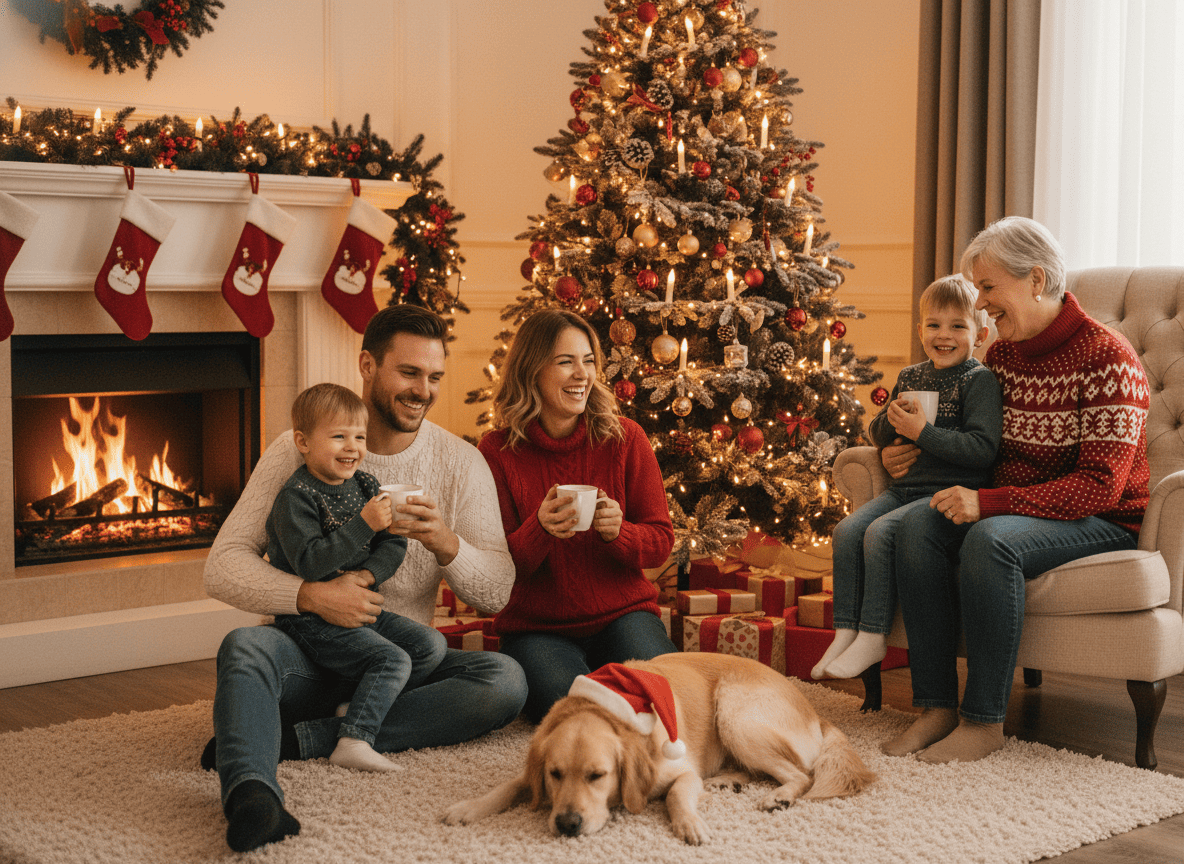
Example 3 — Bringing Someone Into a Holiday Memory
Example 4 — Recreating a “Complete” Moment
Completing a Vacation Memory with Mom
What Does Adding Loved Ones to Photos Mean?
“Adding loved ones to photos” means placing a missing person into an existing photo so the moment looks like they were truly there. It’s often used when someone couldn’t attend a gathering, when families want a complete group photo, or when a photo carries emotional meaning that deserves to feel whole.
Natural placement
AI adjusts scale, perspective, lighting, and color so the added person fits the scene.
For real-life moments
Family photos, weddings, holidays, memorials, reunions, and everyday memories.
Respectful results
Faces, expressions, and presence are blended in a way that feels warm — not “pasted on.”
When This Is the Right Choice for You
This is a great fit if you care about realism and meaning — not just “any edit.” You’ll likely love this if:
you want the photo to feel natural at first glance
the moment matters emotionally and you want a respectful result
you want a realistic group photo, not a collage
you care about lighting, distance, and believable placement
Why People Choose to Add Loved Ones to Photos
Sometimes the only thing missing from a perfect photo is one person. People don’t search this because they love editing — they search it because the photo matters.
How Adding Loved Ones to Photos Works
Follow these simple steps to naturally Adding Loved Ones to Photos using Add Loved One to Photo.Tip: For the most natural results, choose a clear base photo and a clear subject photo with similar lighting.
What Families Say About Adding Loved Ones to Photos
Real stories from users who used our AI to complete important moments — from holidays and weddings to everyday family memories.
We added my mom into our holiday family photo and it blended naturally — the lighting and placement looked so real that it brought everyone to tears (in a good way).
Laura Mitchell, Daughter
Laura Mitchell
Daughter
My wife missed our son’s birthday due to travel. We used the tool to add her into the group photo and it finally felt like the moment was complete.
Daniel Foster, Father of Two
Daniel Foster
Father of Two
Clients often ask for a natural way to add a missing family member into an important photo. This is one of the few tools that consistently handles realism — shadows, tone, and perspective.
Emily Carter, Photographer
Emily Carter
Photographer
Frequently Asked Questions About Adding Loved Ones to Photos
Answers to common questions about creating complete, meaningful photos with natural AI blending.
If you’re looking for specific situations like wedding, holiday, or grandparents photos, explore the scenario examples above — then use the tool on the homepage to create your own result.
Ready to Create a Complete Photo?
Upload your photo and add your loved one with natural, respectful blending in seconds.