Repair scratches and fading
Reduce visible damage from dust, folds, and paper wear so the old print feels cleaner and easier to read.
Restore scratches, recover clarity, and colorize black-and-white family photos with a respectful AI workflow for sentimental memories.
Upload one black-and-white photo to repair fading, keep facial identity intact, and create a natural color restoration in one simple flow.
No Image?
Try one of these:
Black-and-white photo restoration
AI restore old photos helps turn worn black-and-white prints into clearer, naturally colorized memories without a complicated editing workflow.
Old family photos often come with fading, dust, paper texture, and weak facial detail. A guided restoration workflow helps you test what can be recovered before you spend time in manual retouching tools.
Families use AI restore old photos to colorize wedding portraits, restore grandparents' keepsakes, and preserve black-and-white family prints in a format that feels easier to share with younger relatives.
This page is built specifically for old black-and-white photos: upload one image, let the model restore and colorize it, then download a respectful color result that still feels historically believable.
AI restore old photos helps add subtle skin tones, clothing colors, and background color while keeping the result grounded and believable.
Reduce dust, crease marks, and low-contrast texture without pushing the image into an over-sharpened or artificial look.
The workflow is designed to preserve facial identity, composition, and emotional tone so old memories still feel authentic.
Core improvements
This black-and-white restoration workflow focuses on the changes that matter most: gentle repair, better readability, and historically plausible colorization.
Reduce visible damage from dust, folds, and paper wear so the old print feels cleaner and easier to read.
Improve soft edges around faces, hair, and clothing while keeping the original likeness and proportions intact.
Add balanced, natural color to grayscale memories without drifting into neon tones, filters, or modern-looking edits.
Keep framing, lighting, shadow depth, and historical mood consistent so the restored image still feels true to the original moment.
Simple workflow
The process is built for one-photo restoration: upload, let the model work, then compare the original black-and-white image with the restored color result.
Add one scanned print or phone photo of an old black-and-white image. JPG, PNG, and WebP are supported up to 16MB.
The tool uploads the image securely, runs restoration with black-and-white colorization settings, and prepares a before-and-after result.
Save the colorized result for sharing, printing, archiving, or further touch-up if you want to keep polishing the memory.
Common moments
Most visitors come with one memory in mind: an old black-and-white portrait, a wedding print, or a family scene they want to preserve in color.
Bring parents, siblings, or whole family groups back into focus before saving them into a digital archive.
Recover ceremony photos and formal portraits when you want a gentle color version of an important family milestone.
Repair aging portraits with respectful color so the photo remains recognizable, soft, and emotionally accurate.
Use AI restore old photos on old album prints that have fading, crease marks, and weak contrast from age.
Before and after
These examples show how AI restore old photos can clean black-and-white texture, improve readability, and create a believable color result for sentimental family images.
A good example for black-and-white family portraits that need softer fading repaired and natural color brought back to faces and clothing.
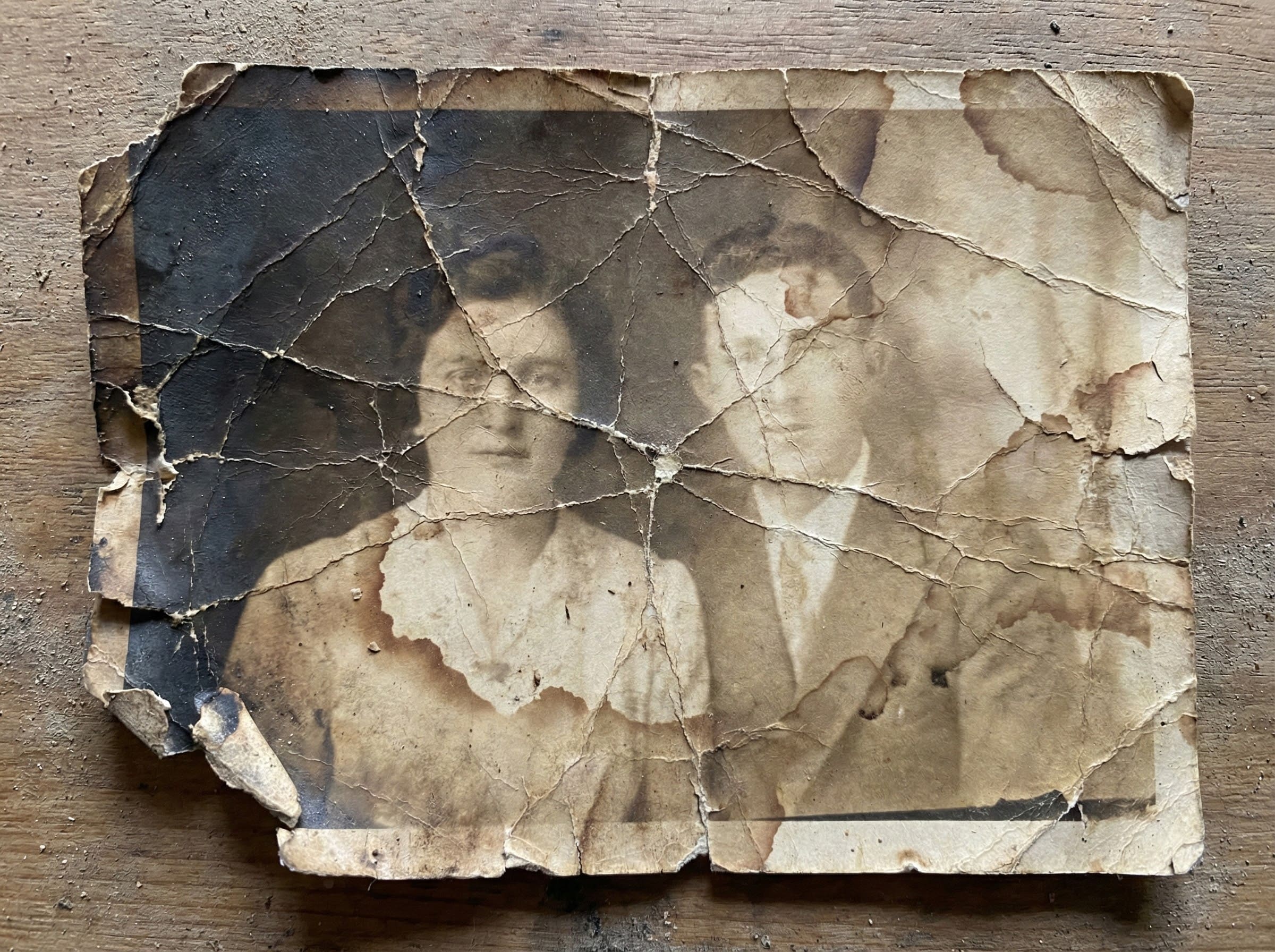
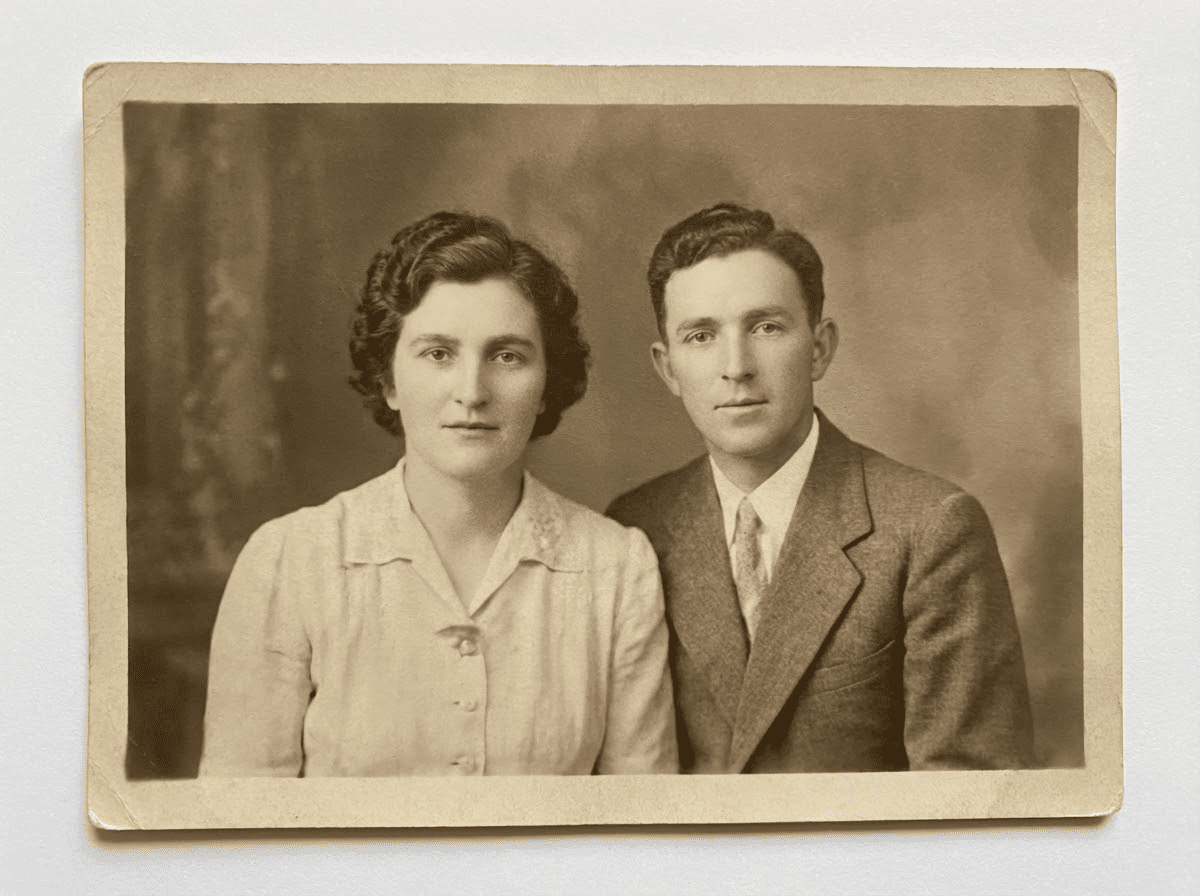
Useful for old black-and-white wedding prints where flowers, clothing edges, and facial detail need gentle repair and subtle historical color.
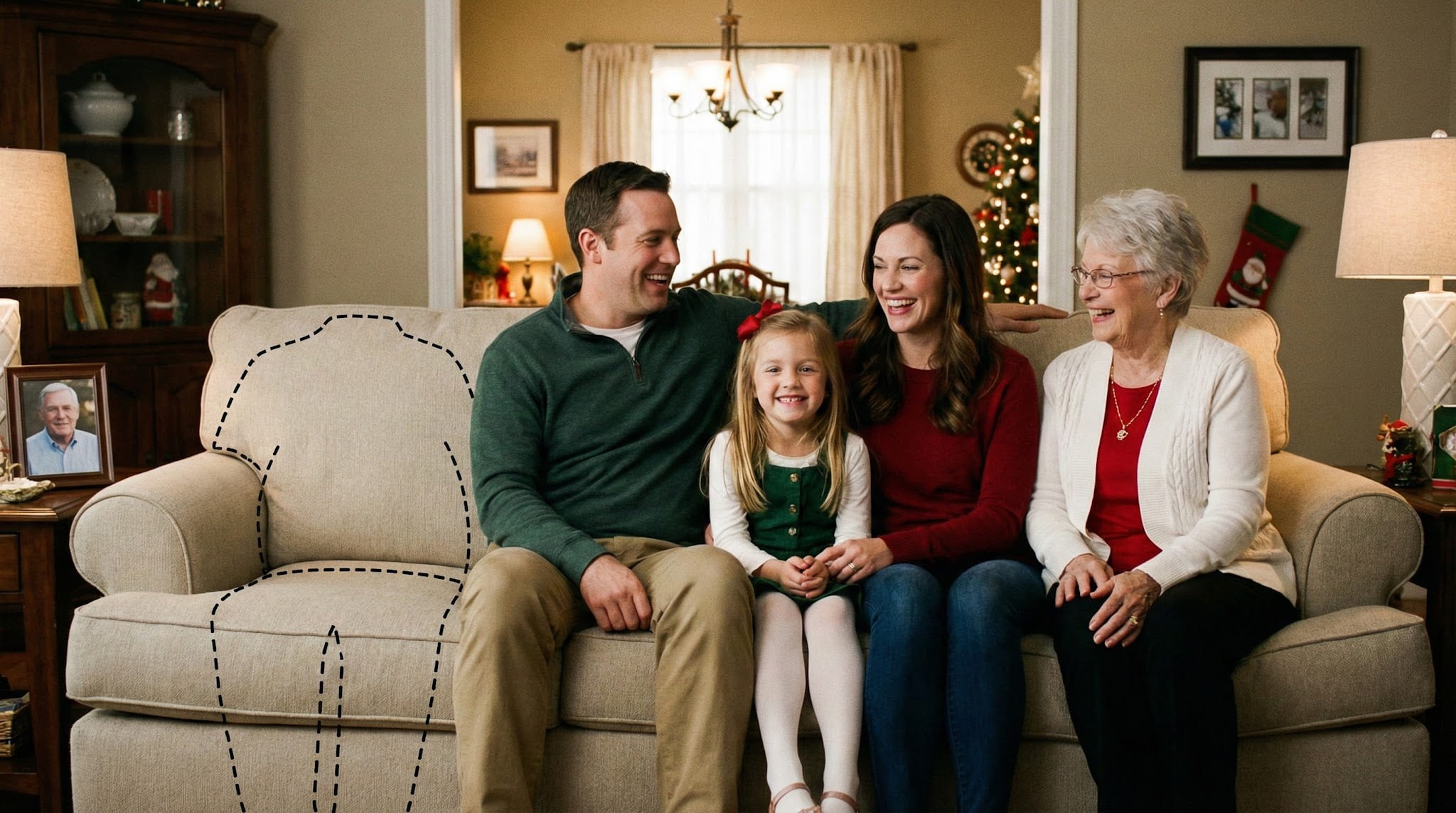
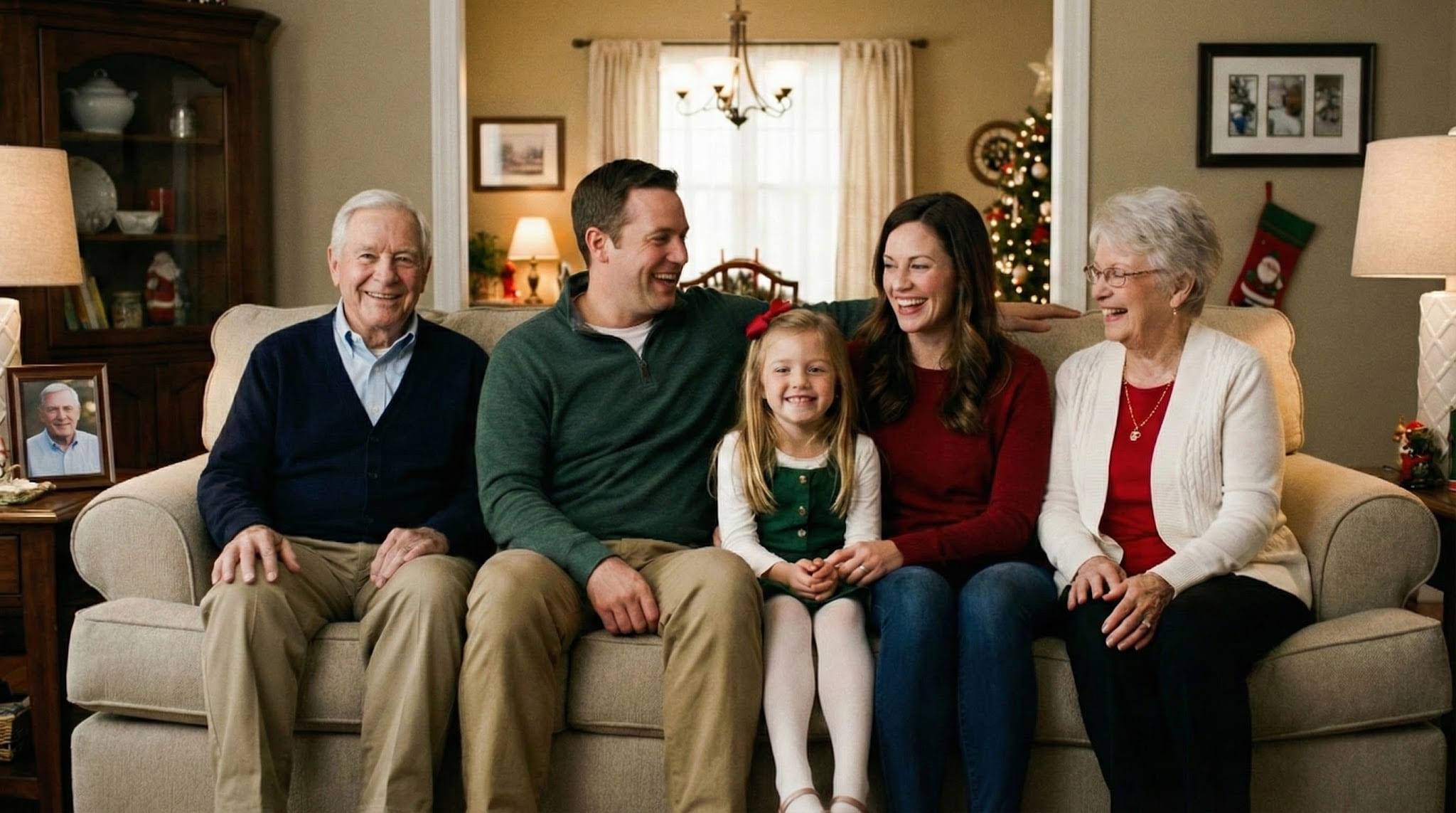
A practical restoration case for old black-and-white family scenes that need stronger clarity, lighter scratch cleanup, and believable color.
These answers explain how AI restore old photos handles black-and-white restoration, gentle repair, and respectful colorization for family images.
Ready to start
Upload one black-and-white photo to repair fading, restore clarity, and create a respectful full-color version in a few simple steps.