Add Dad to Wedding Photo
A calm, realism-first way to include your dad in a wedding photo — without loud effects or uncomfortable comparisons.
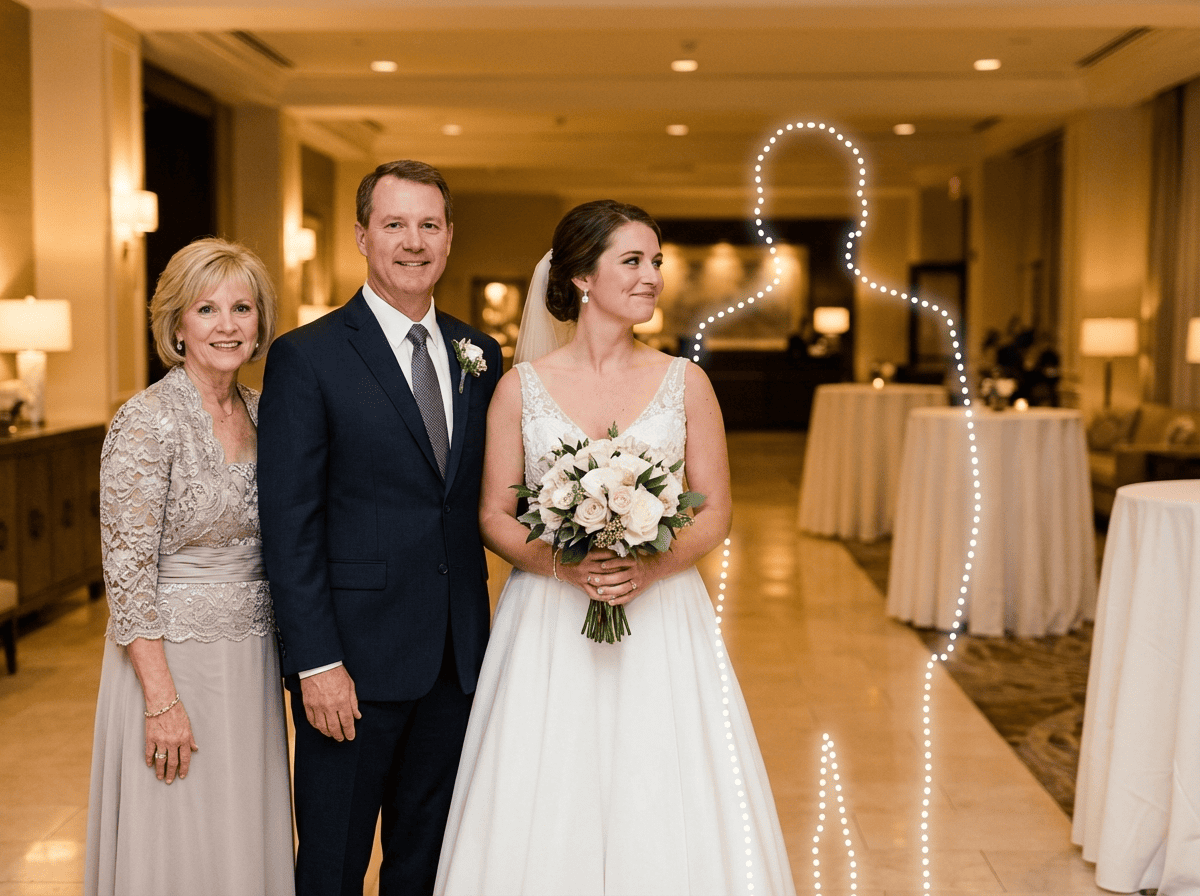
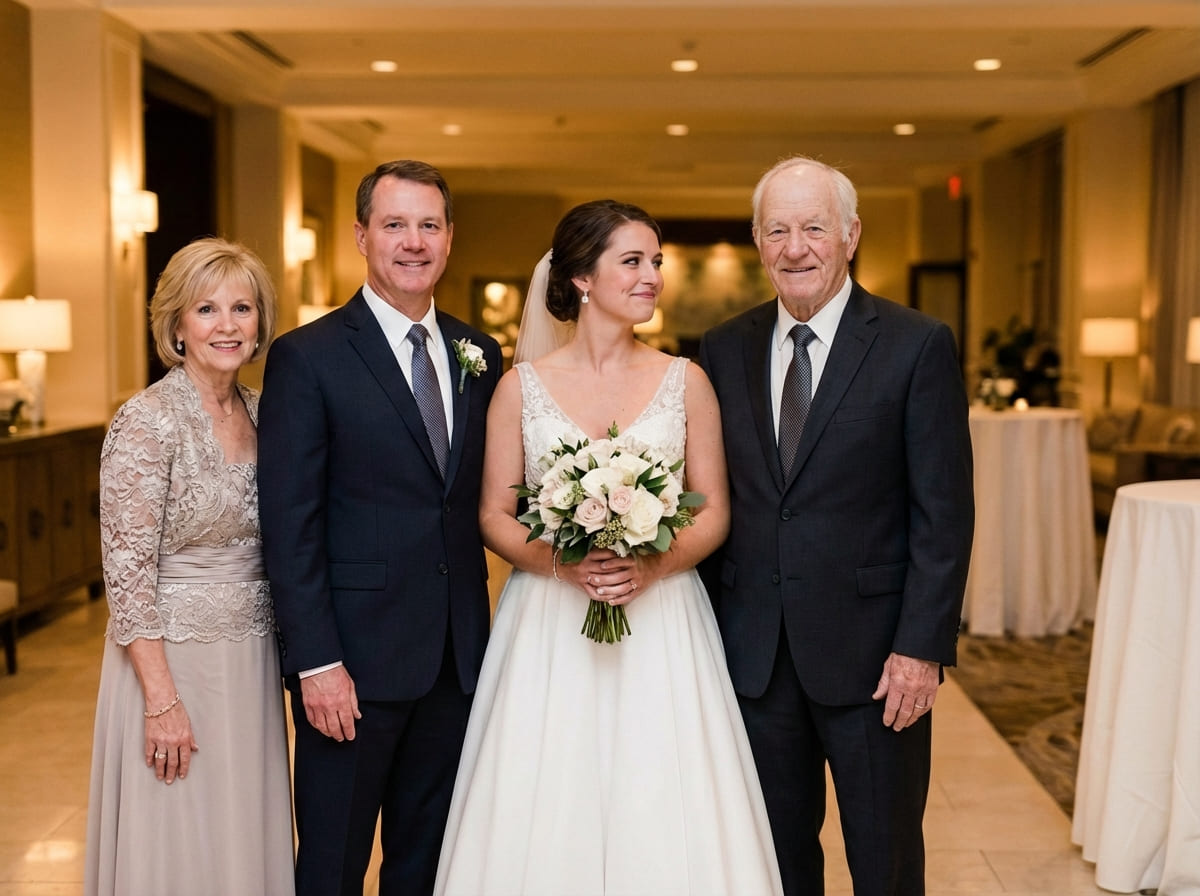
For wedding moments that matter most, you can complete the same scene and camera angle so the photo feels faithful to how the day was meant to be.
Examples
Quick checklist
Wedding photos look best when you keep the scene simple and consistent.
- Main photo: original file, minimal filters (avoid screenshots)
- Dad photo: clear face, similar angle, natural light if possible
- Leave a realistic spot where someone could stand or sit
A quiet way to complete a wedding memory
Wedding photos are the ones people keep. They get framed, shared with family, and returned to years later — not because they are perfect, but because they represent who belonged in that day.
When a dad couldn’t be there, or has passed away, the absence can feel more visible in wedding images than in everyday photos. It’s not always about what the photo “shows.” It’s about what the moment meant — walking down the aisle, a first look, a family portrait, a simple hug after the ceremony.
That’s why people search for ways to Add Dad to Wedding Photo. The goal is not to create a new story or change the day. The goal is to complete the same scene with the same camera feel — so the finished photo looks like it belongs in the same album as the originals.
Many people also feel hesitant before making a photo like this. That hesitation is normal. A respectful result usually comes from moving slowly: choose clearer photos, start with the most realistic placement, and stop when it feels right to you and your family.
If you plan to print the result (album, frame, memorial table), subtle realism matters even more. Print makes small inconsistencies easier to notice, so the sections below focus on lighting direction, distance, and natural edges.
How people add Dad to a wedding photo
The simplest workflow usually produces the most believable wedding result. You are matching one person into one existing scene without changing what the wedding photo already is.
Most people do 2–3 tries. Not because it’s difficult — but because the best placement is often subtle. A small change in position (slightly behind a shoulder line, closer to family, a step back to match depth) can make the photo feel like one capture.
As a quick rule, match the “logic” of the scene first: standing if everyone is standing, seated if the family portrait is seated, and placed at the same distance from the camera as the people nearest to that spot.
What makes the result look natural
Wedding photos are unforgiving because people know what “real” looks like in that setting: formal clothing, consistent lighting, and familiar group arrangements.
When you want to Add Dad to Wedding Photo and keep it believable, these details matter most:
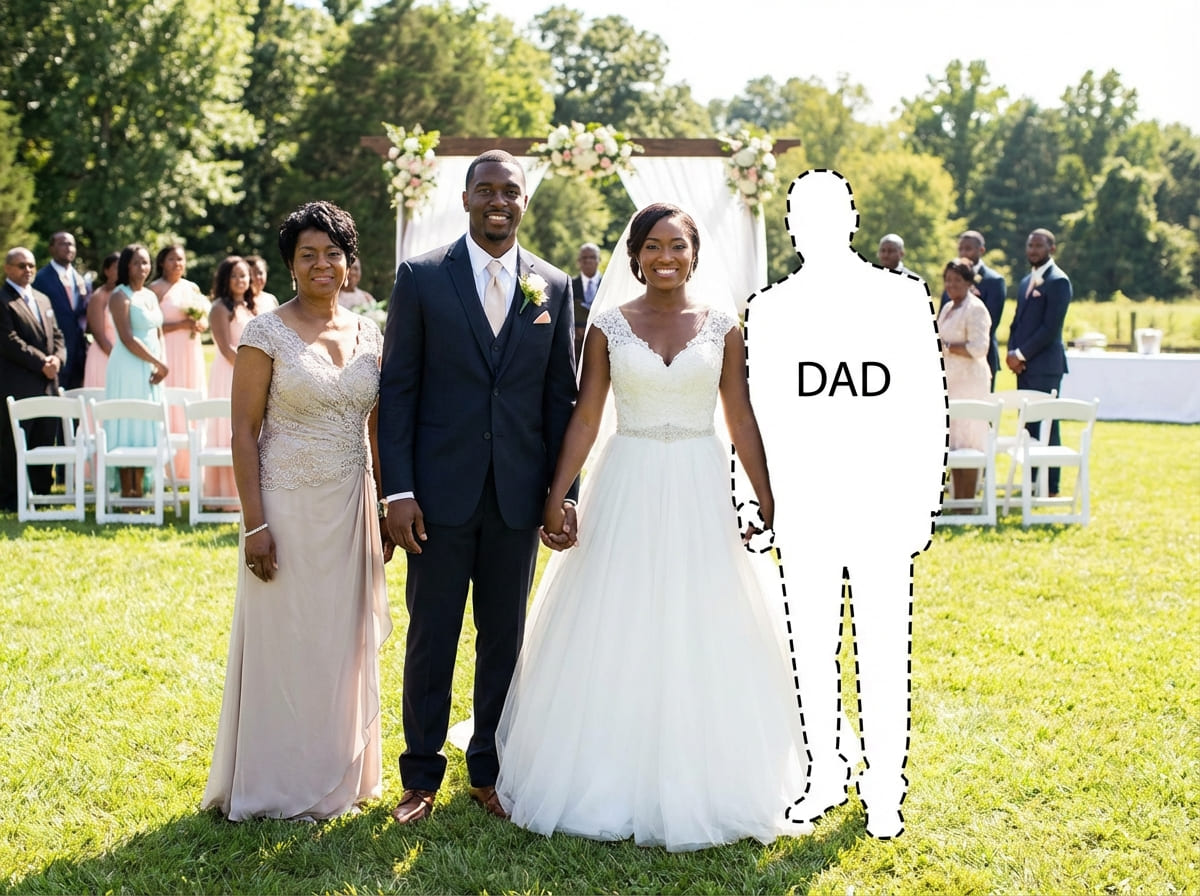
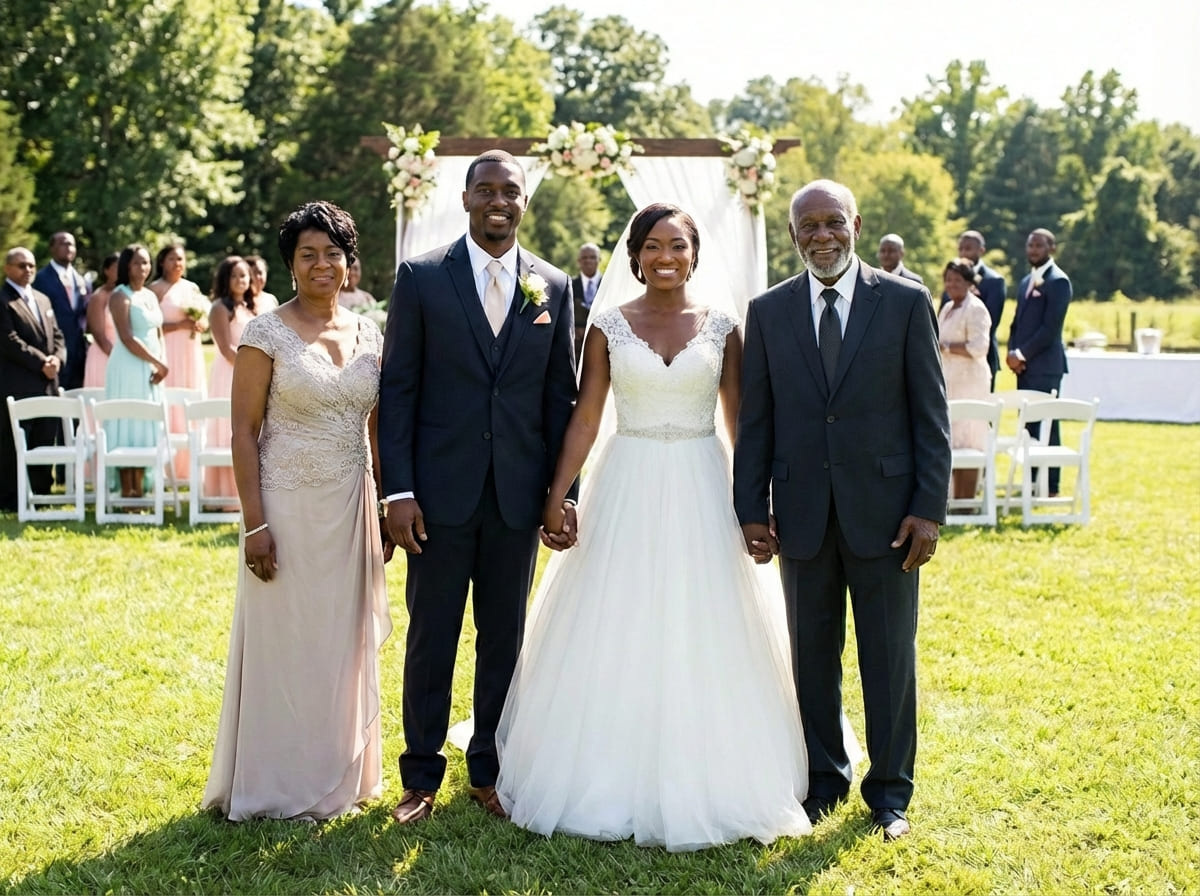
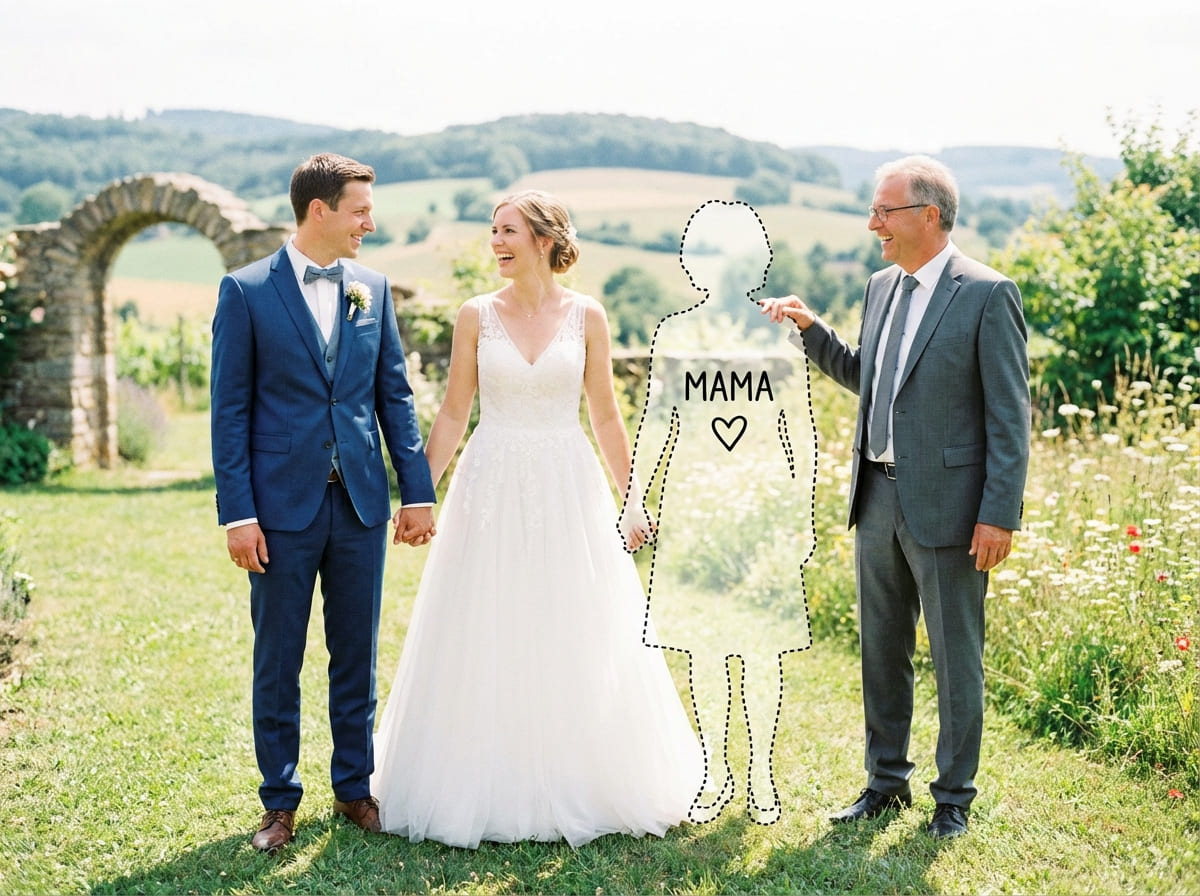
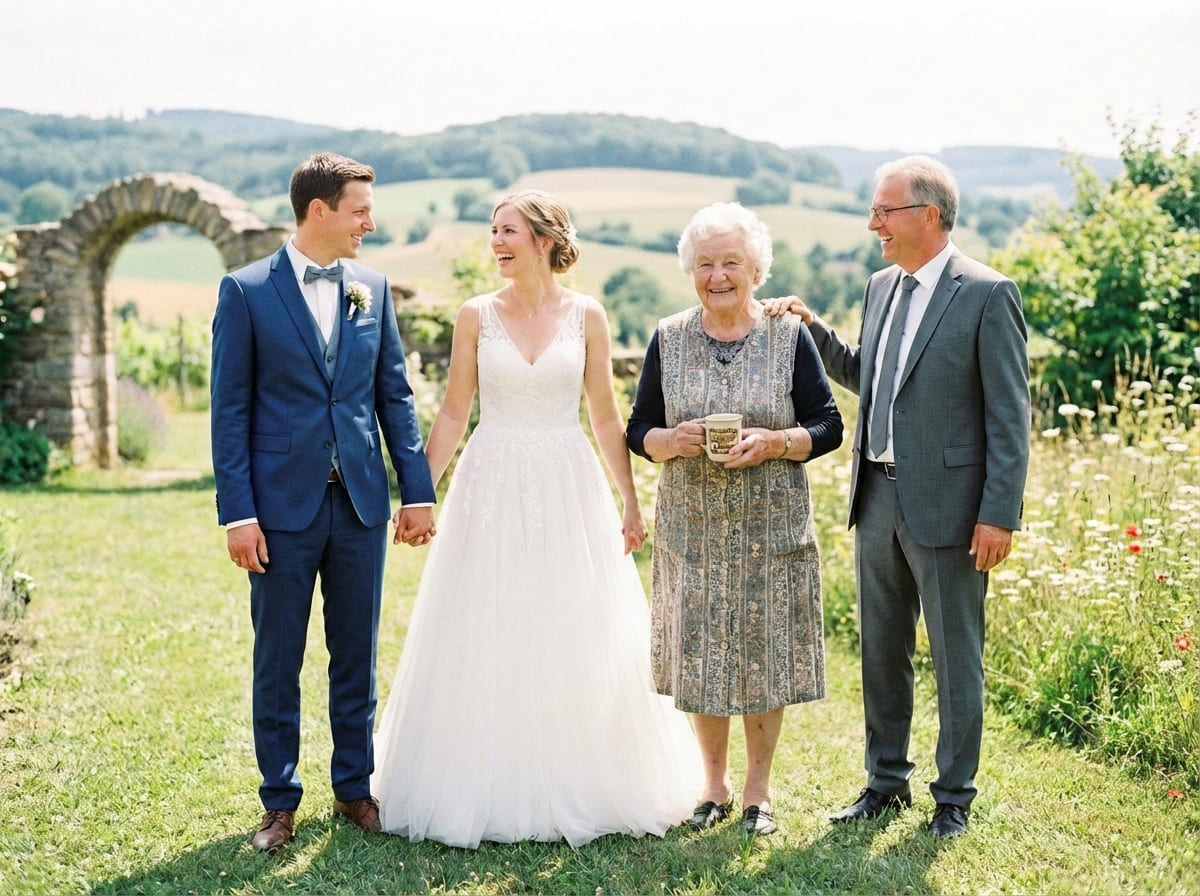
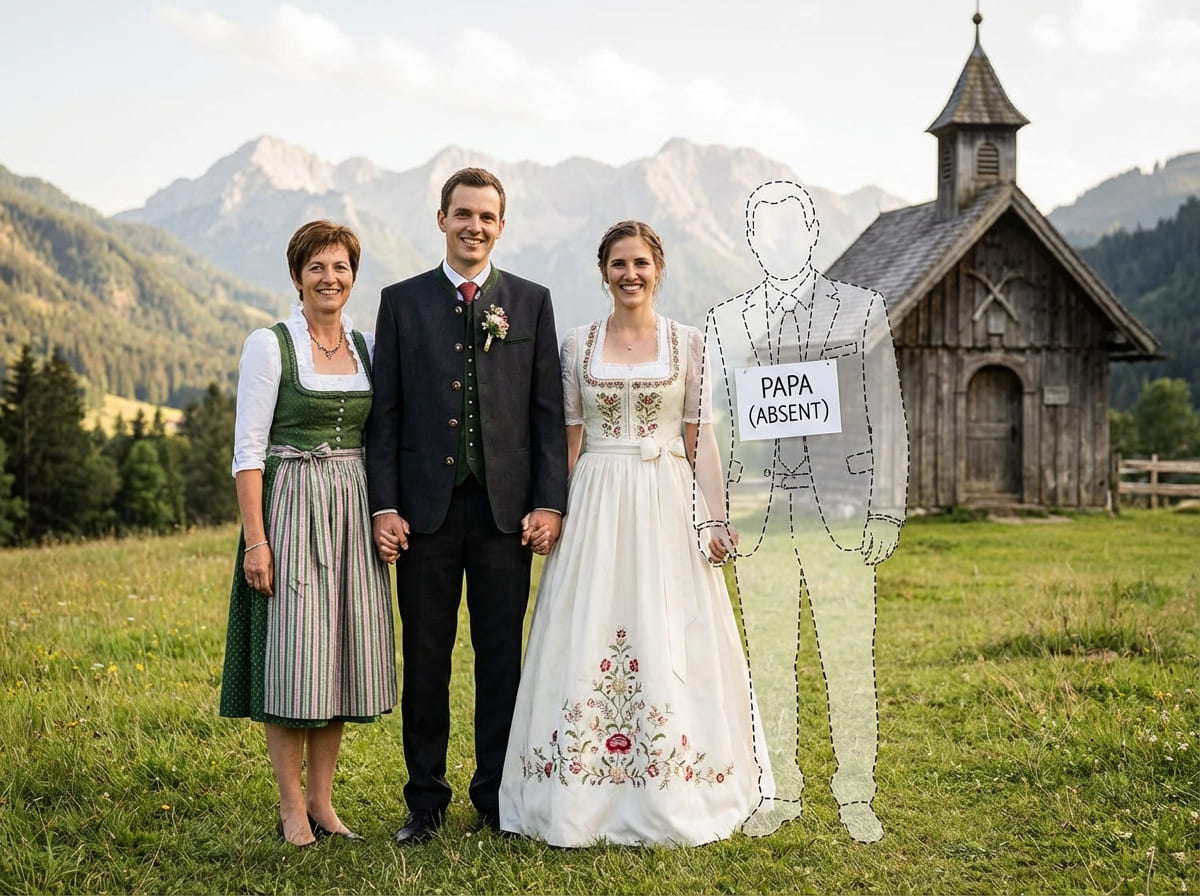
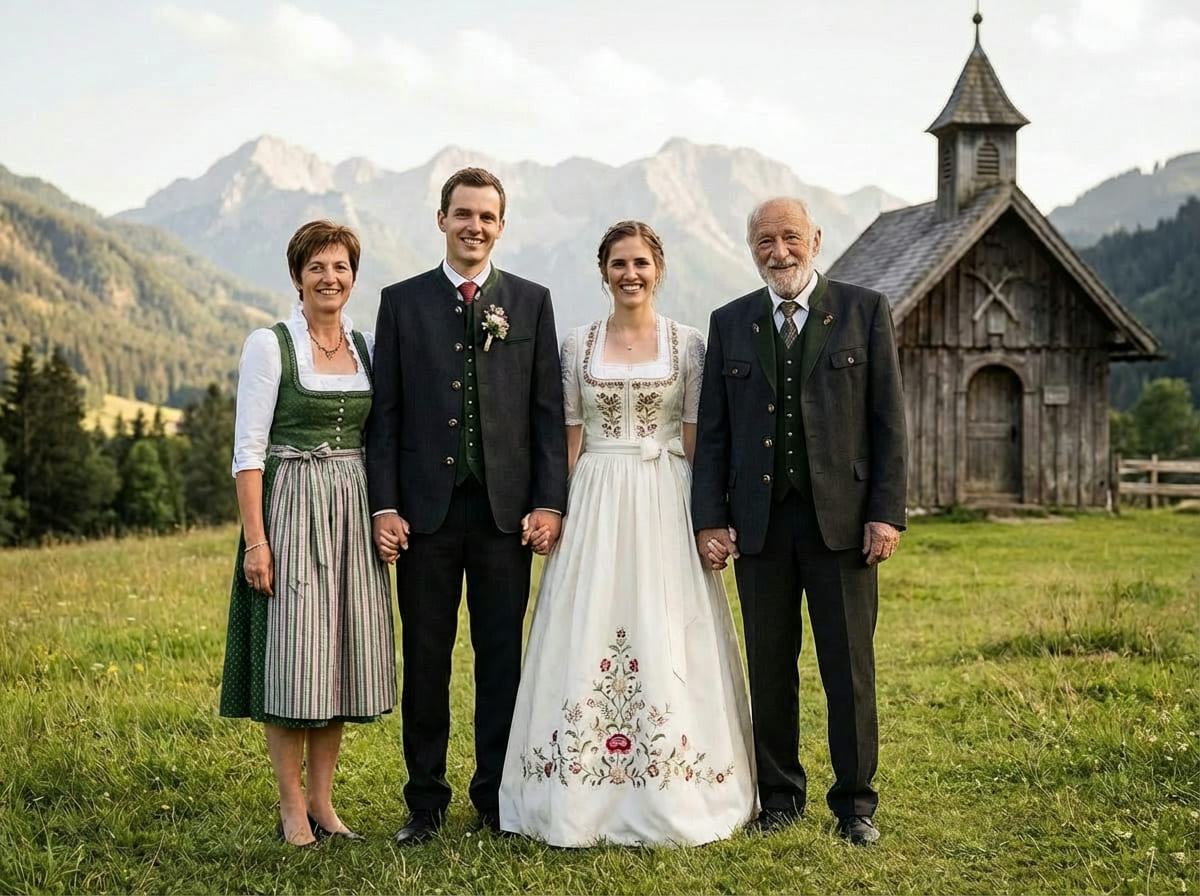
If something looks “off,” it’s usually one of three things: the light direction doesn’t match, Dad is placed at a different distance than the group, or the Dad photo is much lower quality than the wedding photo. A small adjustment often fixes it.
Understanding realistic expectations
It helps to set expectations before you begin. A respectful wedding keepsake doesn’t need to look “perfect” — it needs to look consistent with the original scene.
Best case: both photos are clear and taken in similar conditions (indoor vs indoor, outdoor vs outdoor), with similar shadow softness.
Normal case: you’ll do a couple of placements. Small shifts can make a big difference in realism.
Hard case: strong mismatches (flash vs natural light, extreme blur vs sharp, very different camera angles) can reduce believability.
In those hard cases, switching to a different photo of Dad usually helps more than forcing a placement to work.
Tips for the best result
These wedding-specific tips improve realism quickly:
If you plan to frame the photo, generate at the highest available quality and keep the final file uncompressed. Printing reveals lighting and edge issues that can be easy to miss on a phone.
Common wedding scenarios people use this for
People use this for wedding moments that are meant to be kept — not scrolled past. Common scenarios include:
- Walking down the aisle (a calm, realistic “presence” in a keepsake)
- Family portraits after the ceremony
- A reception photo meant for an album or frame
- A remembrance table print for the venue
- Anniversary reprints of the wedding album
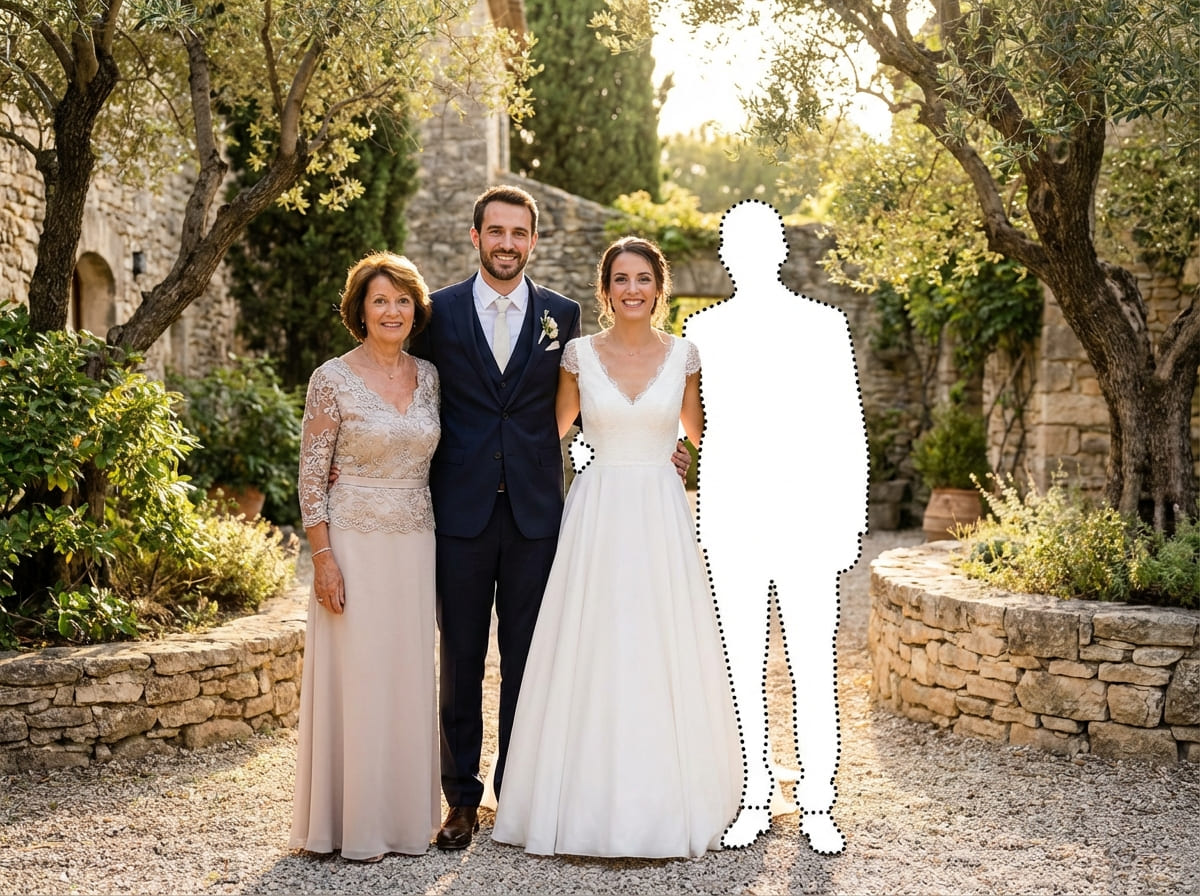
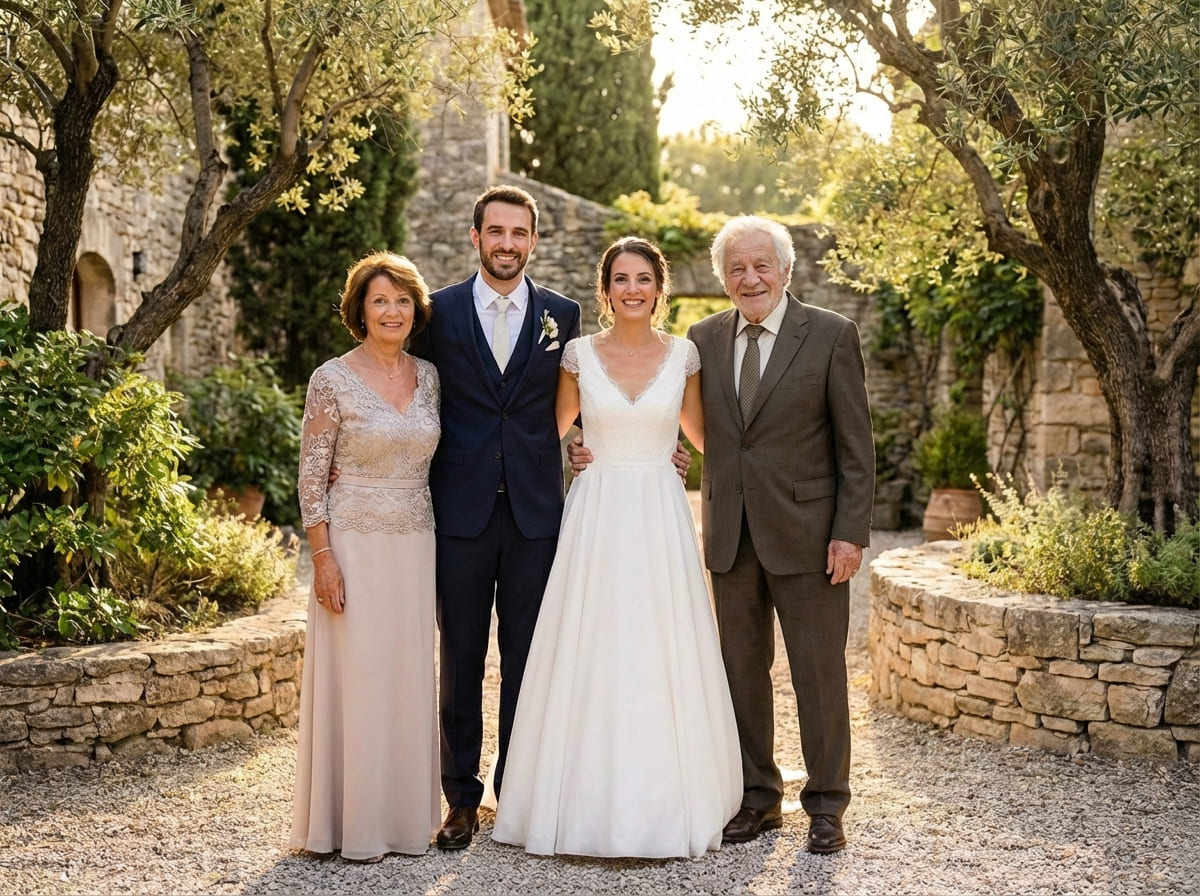
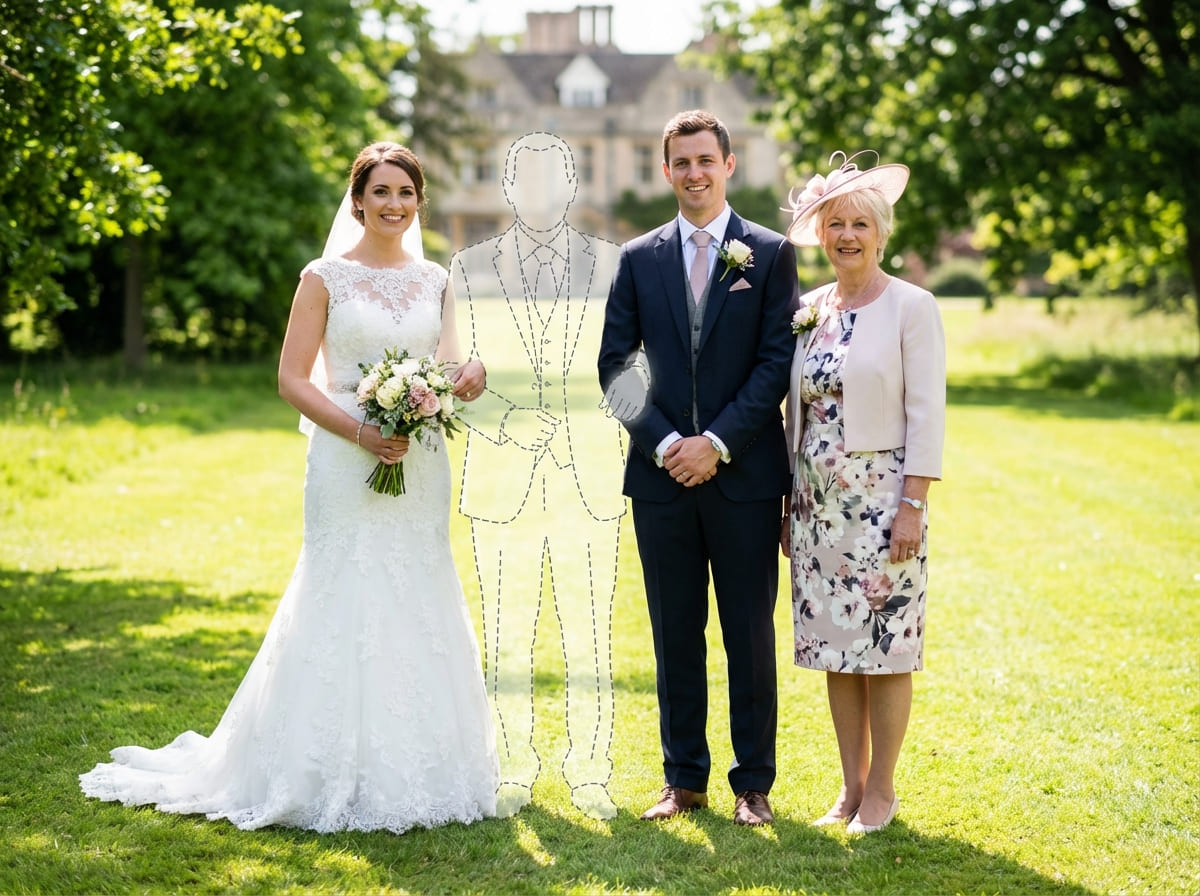
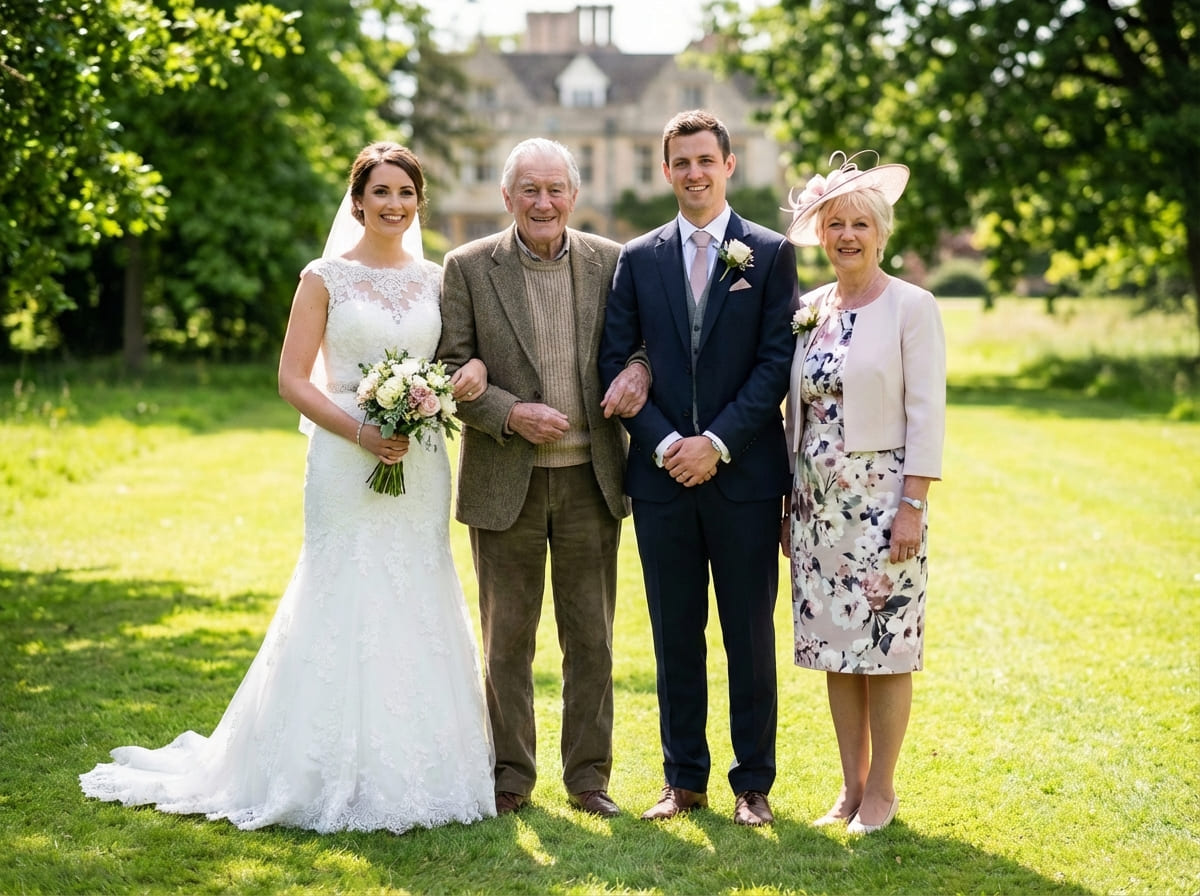
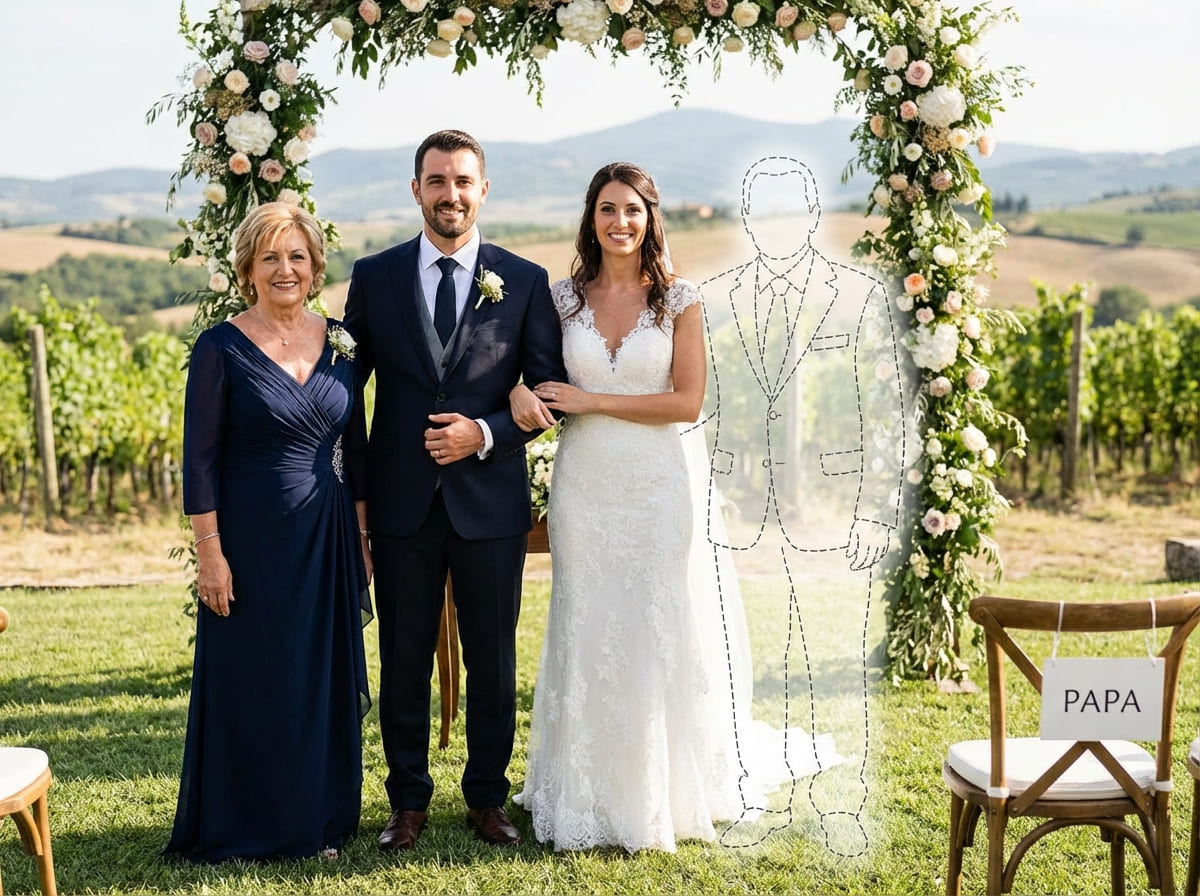
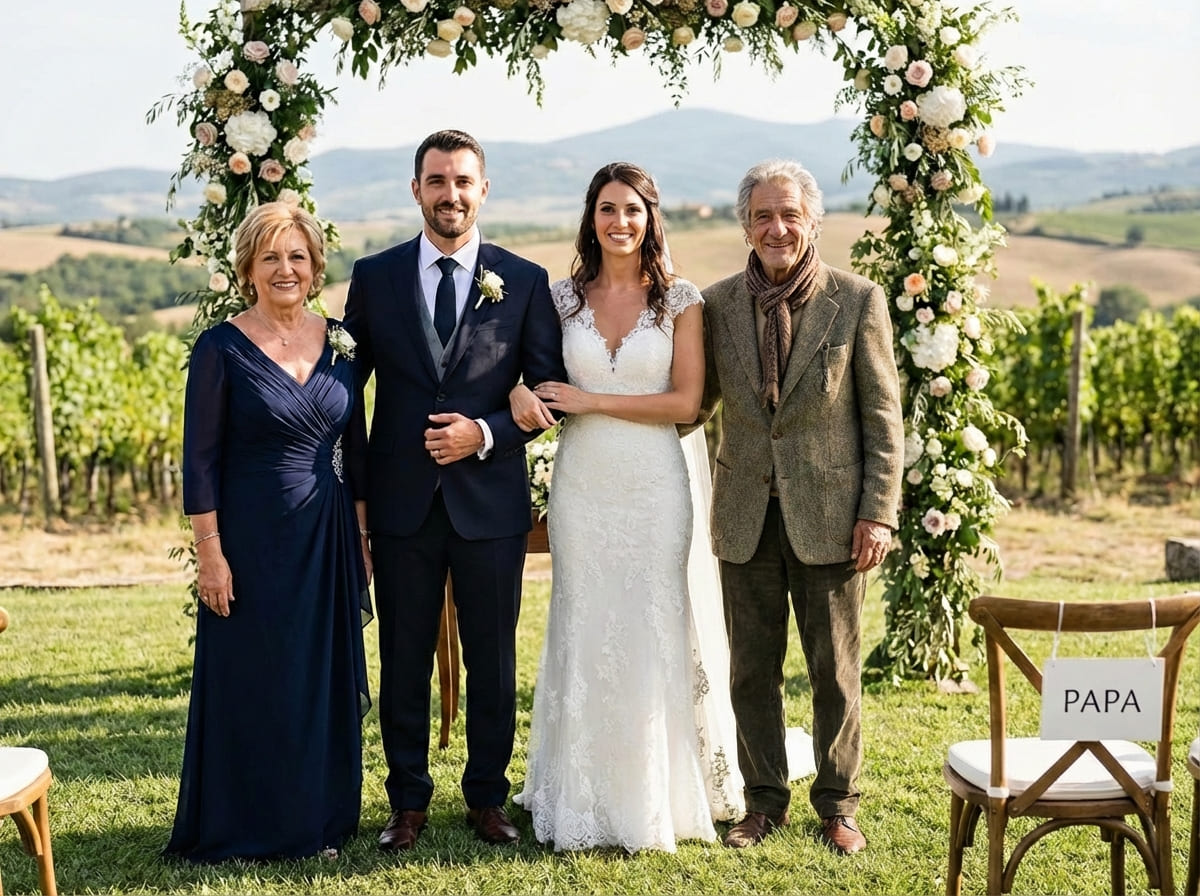
For a keepsake, the most meaningful result is often the most subtle — the one that feels like a real wedding photo someone could have taken that day.
Is this right for you?
This is a good fit if your priority is realism and emotional comfort — a completed wedding photo that doesn’t feel like an “edit.”
- Want a calm, believable wedding keepsake
- Prefer subtle completion over dramatic transformation
- Want control over placement and retries
- Plan to print the final image (album, frame, table)
- Care about matching the original scene
- You want stylized or artistic “edited” looks
- Your photos are extremely low resolution or heavily filtered
- You need a flawless match in one attempt
- You want a dramatic, spotlight effect
Honest fit helps keep expectations aligned and the result respectful.
If you’re unsure, start with the clearest two photos you have and try one simple placement. You can always adjust, retry, or pause — nothing is final unless it truly feels right to you.
Frequently asked questions
Start when you feel ready
Upload your wedding photo and a clear photo of Dad. Choose a realistic placement, then download a printable PNG/PDF for albums and frames.