Add Family Member To Photo
Add a family member to a photo with realistic spacing, matched light, and a result that looks like the person belonged in the original family shot.
Built for families who want to add someone to a family photo without the cutout look. The best edits keep posture, height, and group spacing believable enough for frames, cards, and albums.
Family photo example
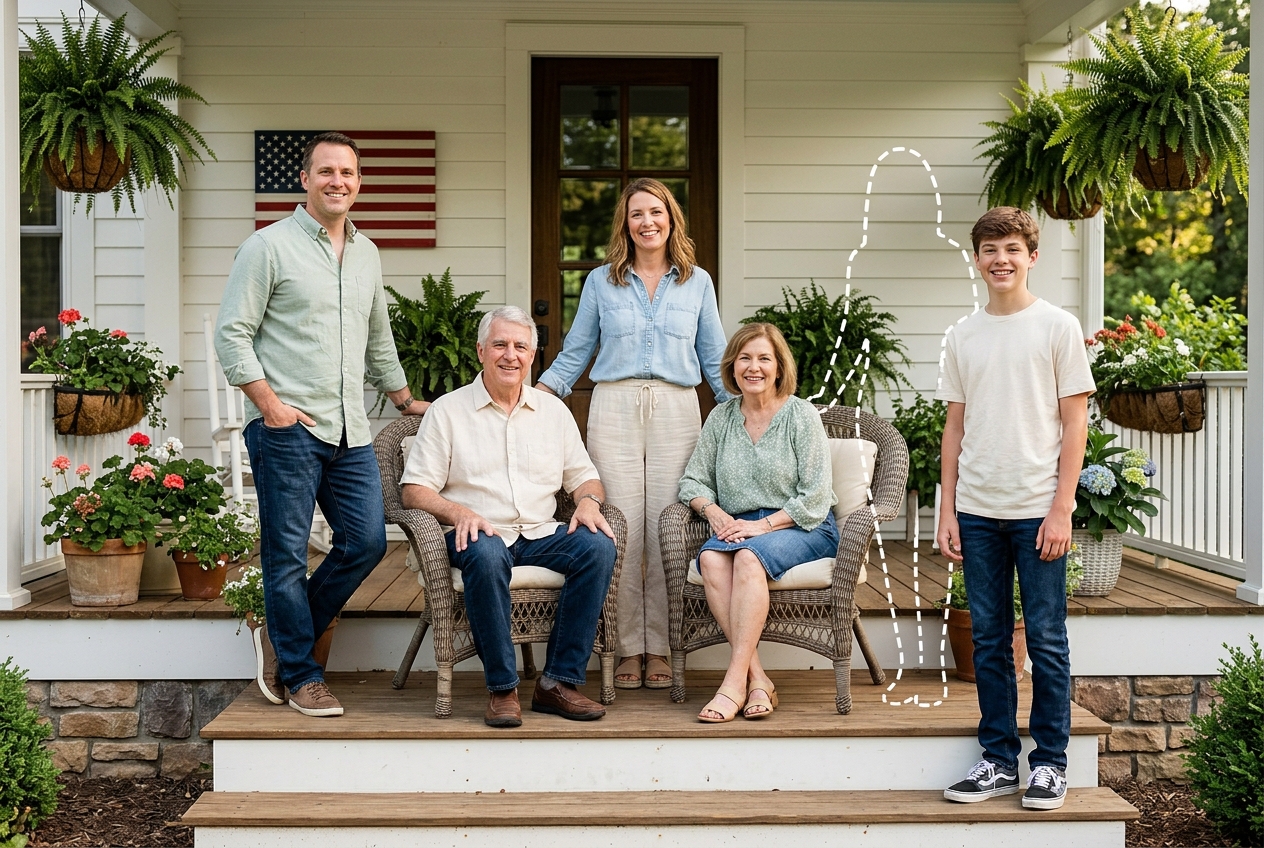
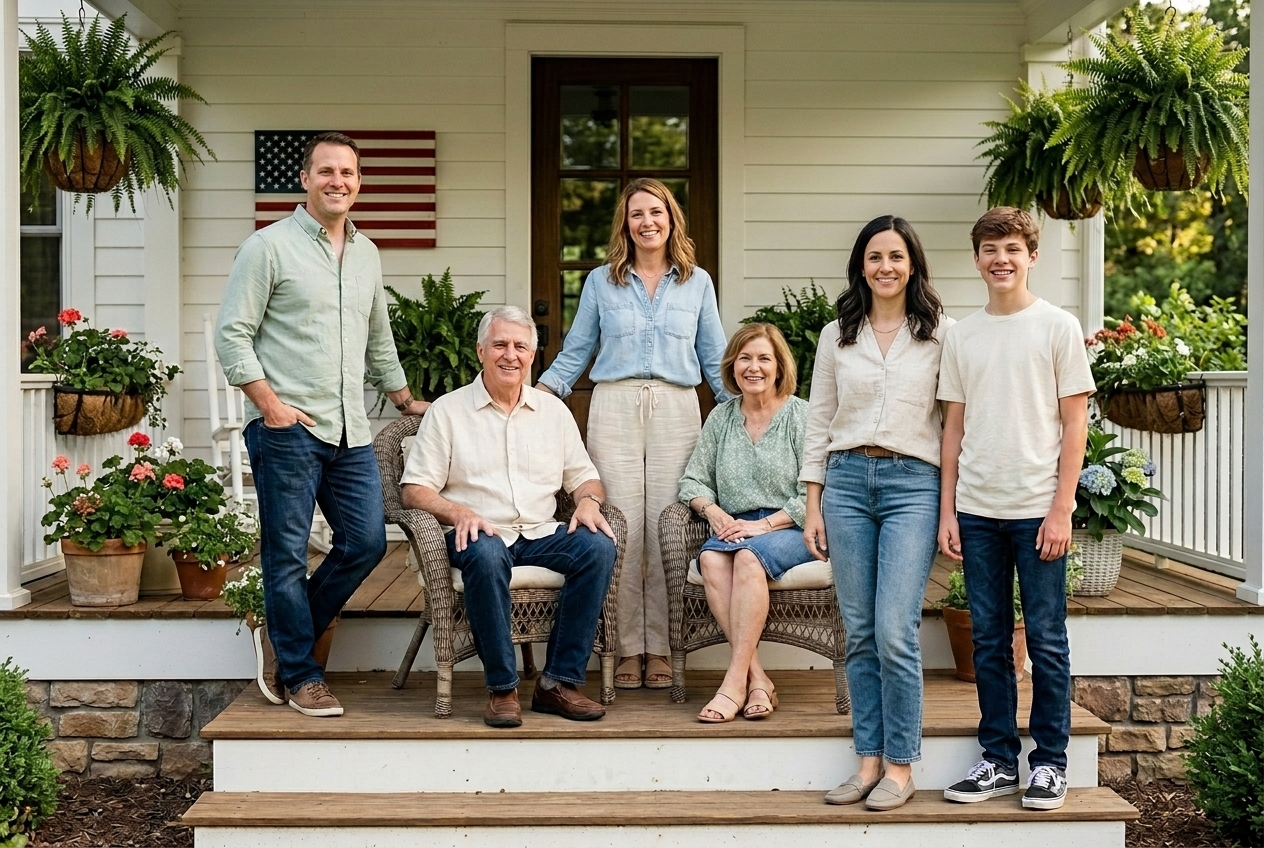
Quick checklist
The strongest result usually starts with one clear family photo and one reference portrait where the added person's face and shoulders are easy to read.
- Use the original family image instead of a social media screenshot
- Choose a reference photo with similar age, expression, and body angle
- Check that there is believable room in the group before you upload
Why families search add family member to photo
Most people searching add family member to photo are trying to fix a practical gap in a picture they already care about. Someone missed the reunion, arrived after the graduation portrait, or was absent from the holiday photo everyone wants to print. They are not looking for an abstract effect. They want the photo to look complete.
This is also why nearby searches appear so often: add someone to a family photo, add a relative to a photo, add a missing family member to a photo, and add a person to a family picture. The intent is usually the same: keep the group recognizable while restoring the person who should have been there.
In practice, the best family photo editing starts with an image that already has a believable opening in the lineup or enough room at one edge. What usually fails is trying to force an extra person into a crowded scene with crossed arms, blocked legs, or mismatched camera height.
How to add Family Member to a photo
The process is straightforward when you choose the right files first. A clean family edit usually depends more on source quality and placement than on heavy retouching later.
Use the highest-quality version you have. Wider family portraits, porch pictures, and lineup shots usually work better than tight phone selfies.
Select a photo where the family member's face, shoulders, and clothing are clearly visible. A strong reference usually beats a formal portrait with poor lighting.
Place the person where they would realistically stand beside siblings, parents, grandparents, or children. Edits tend to look wrong when the position ignores family relationships.
Check whether the added person matches the camera angle, shadow direction, and height of nearby relatives. This is usually the first thing people notice in a bad composite.
Try it in the homepage generator when you are ready to upload your photo.
Where a family member usually belongs in family photos
The most convincing edit starts with social logic, not empty space. Before you add a family member, ask where that person would naturally stand in the actual family structure. Older siblings often land near parents, young children usually belong close to the adult holding the group together, and grandparents often anchor one side of the frame.
If you are trying to add someone to a family photo, placement should support the story the group is already telling. What usually works is choosing a spot beside the people they are most likely to stand with. What usually fails is dropping them into the center just because the center feels important.
- Outer-edge placement in a porch or yard portrait with clear ground space
- Lineup positions beside parents, siblings, or children with matching shoulder height
- Standing positions near a couch, table end, or staircase where another person could realistically fit
- Scenes with overlapping arms, hands, or chairs blocking the body
- Tight crop photos with no visible floor or leg room to anchor a stance
- Wide smile snapshots lit by mixed flash and window light from different directions
Choose source photos that blend cleanly
When you want to add a relative to a photo and keep it believable, the source photos matter more than people expect. Use the clearest family image available and pair it with a reference portrait that shows the person at a similar age, with visible clothing edges and uncomplicated light.
The biggest mistake is using a tiny cropped face or a filtered image pulled from a messaging app. That usually produces flat skin detail and weak edges around hair and shoulders. A better result usually comes from a plain, well-lit snapshot where posture and face shape are easy to read.
- Original file quality with enough resolution for printing
- Consistent light across the group, especially on faces
- A clean open area beside the nearest relatives
- Visible shoulders, torso line, and natural expression
- Clothing that can make sense in the family setting
- Simple background and soft light instead of harsh flash shadows
Keep the family scene believable
Good family photo editing does not just paste a person into open space. It has to respect camera distance, eye level, edge sharpness, and the way people actually stand near each other. A realistic result usually feels calm on second look, not just impressive for one second.
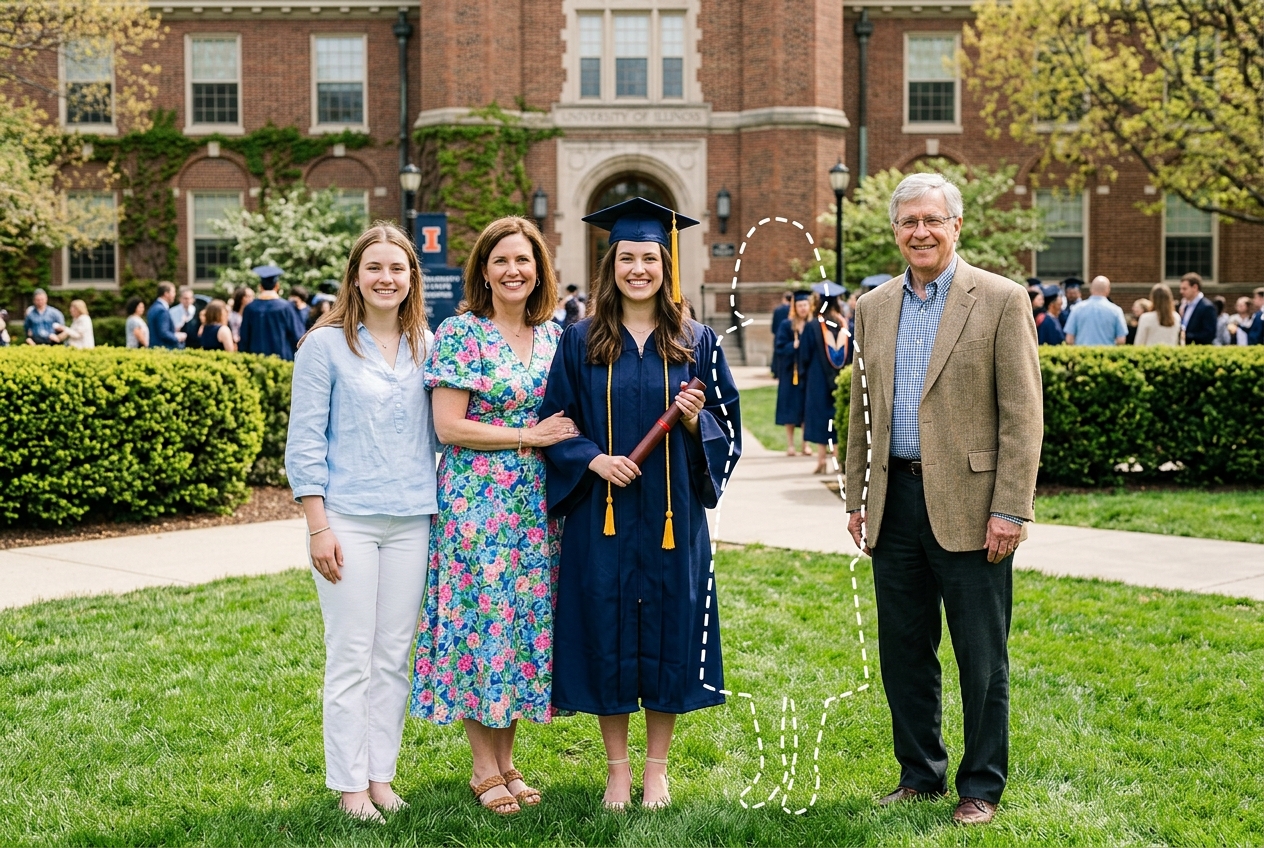

What usually works is matching the person's scale to the nearest relative and keeping the added stance simple. What usually breaks the illusion is oversized heads, floating feet, or wardrobe colors that fight the rest of the group.
Family moments that suit this edit
Some family situations are naturally easier to edit than others. Front-porch reunion portraits, graduation family lineups, and holiday living-room or dinner scenes often work well because the social roles are clear and the camera is steady enough to preserve detail. These are the kinds of moments people often choose when they need to add a missing family member to a photo.
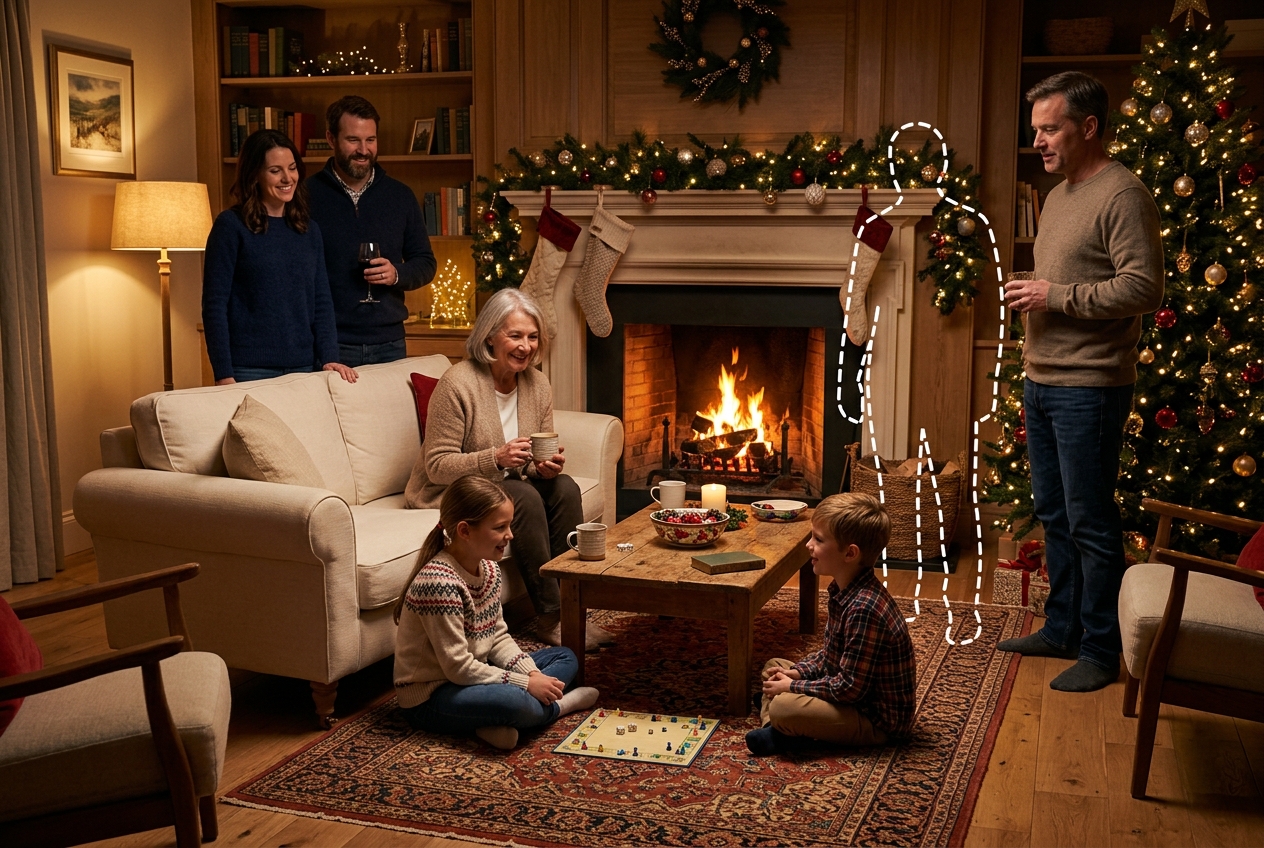
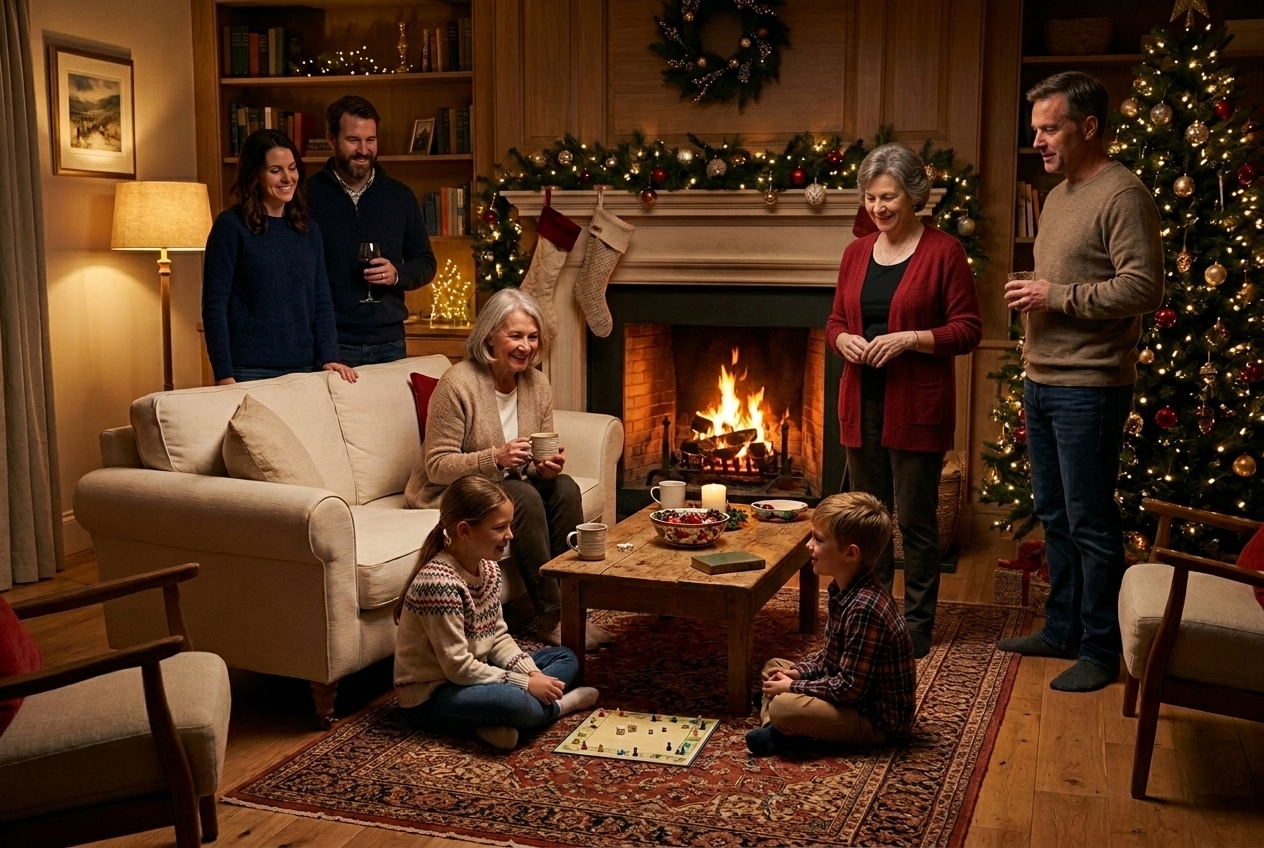
The safest choice is usually the scene with the clearest posture and least overlap. A dinner table can work well if chairs, elbows, and table edges leave room for the added person to exist naturally in the frame.
Choose this page if your goal is family-photo completion
Choose this page if... you already know the photo is a family portrait, reunion image, graduation lineup, or holiday gathering, and your main goal is to add a family member to that exact scene. It is the right fit when the missing person has a clear place in the group and you want a polished family picture rather than a broad experiment.
Use a broader page if... you are still deciding who to add, the image is not really a family photo, or the scene is more general than family-focused. This page works best when the question is not whether to make an edit, but where that family member should stand. What usually helps is choosing this page once the family relationship and photo context are both settled.
Common questions
Start your family edit
Upload the clearest family photo you have, then add one strong reference portrait of the family member you want included. The best result usually comes from a scene with natural room, stable light, and an obvious place for that person to stand.