Add Grandma to Photo
Add Grandma to photo with realistic family placement, matched skin tone and room light, and a final image that still feels like one true photograph.
Built for people who want Grandma included in a family picture, living room portrait, or seated gathering without the stiff cutout look that makes edits fail.
Grandma photo examples
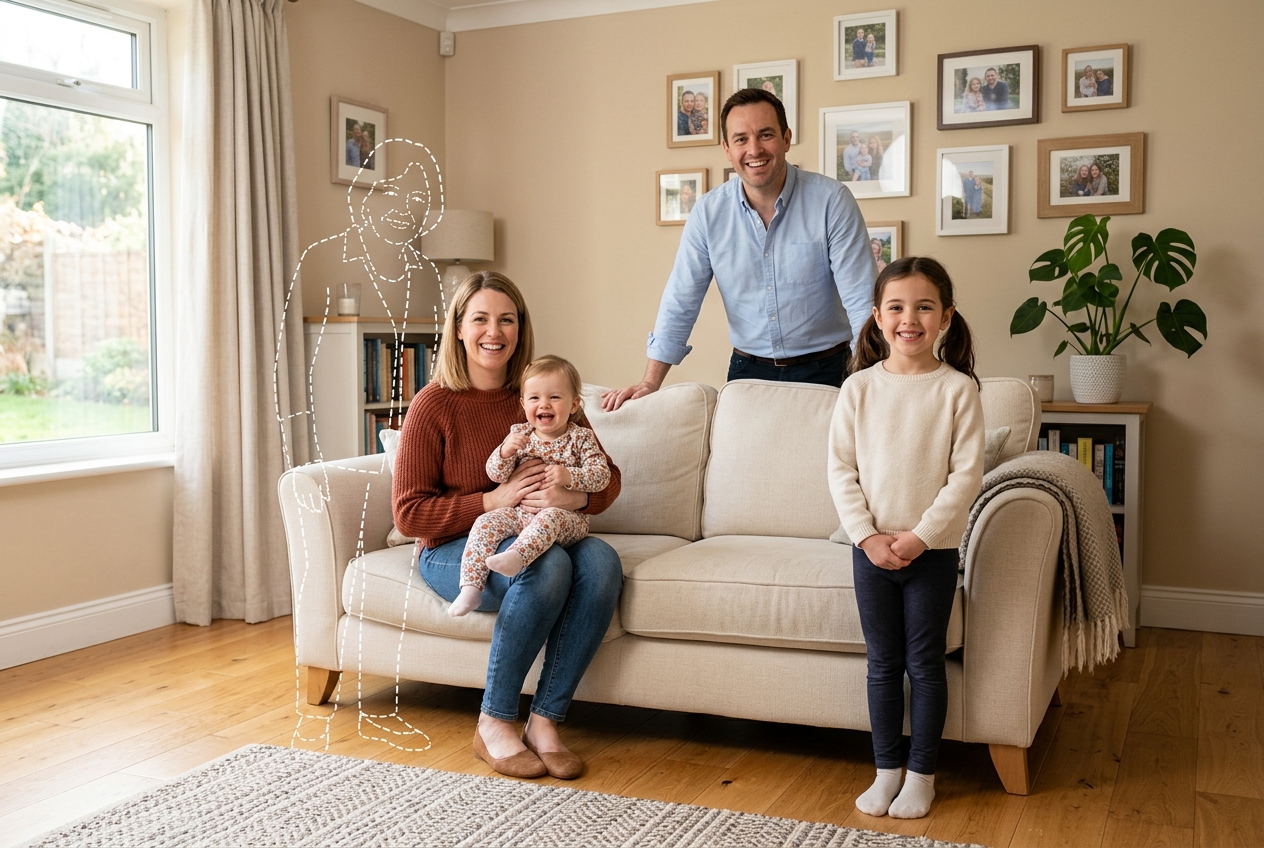
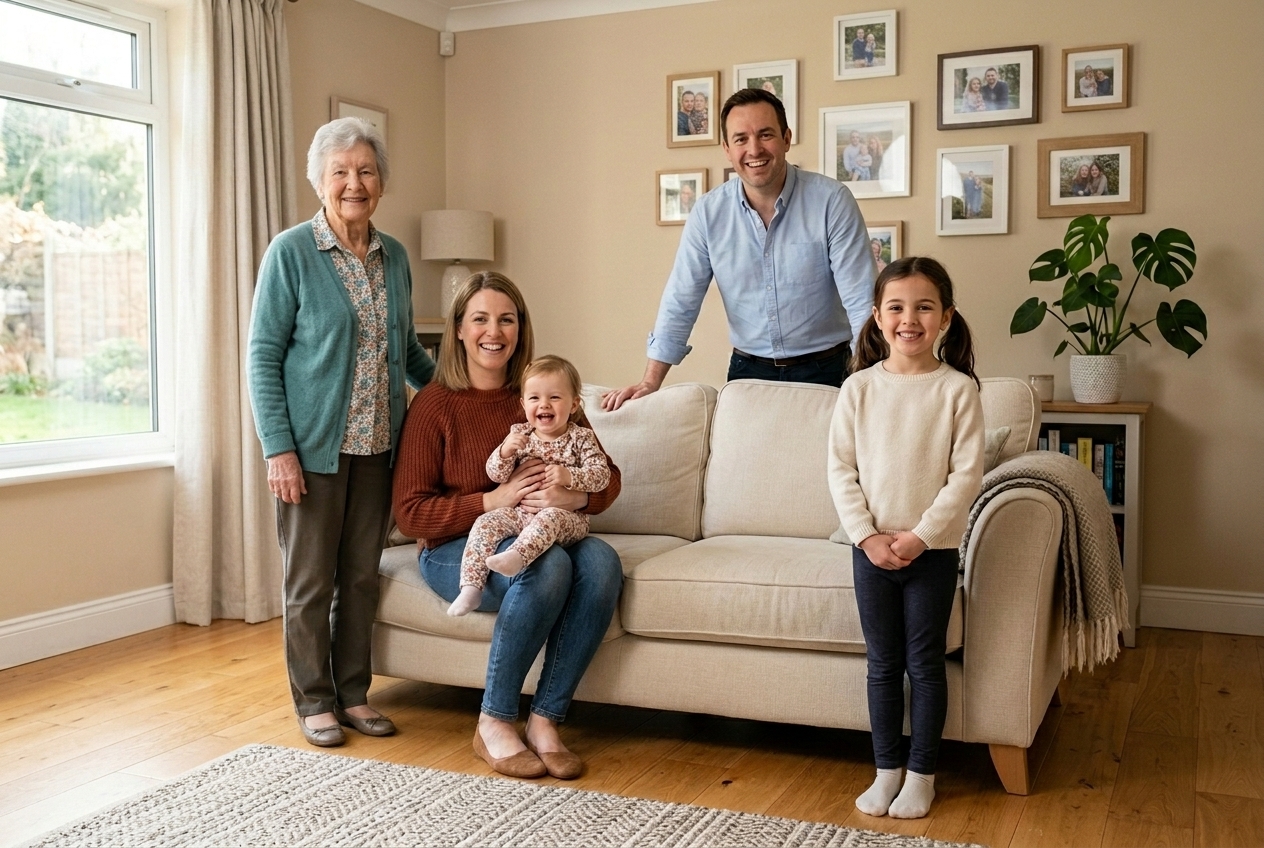
Quick checklist
The strongest result usually starts with one clear family frame where Grandma has a believable place to stand or sit.
- Use the original photo file instead of a screenshot or social media download
- Choose a Grandma portrait with visible shoulders, a natural expression, and clothing that can belong in the scene
- Check that her height, chair position, or shoulder line make sense beside the nearby family members
Why people search add Grandma to photo
People usually search add Grandma to photo when they already have the family picture they want, but one place in it still feels unfinished without her. Often it is a holiday portrait, a reunion lineup, or a simple home photo where everyone else is present and Grandma is the missing person the eye notices first.
Some visitors arrive after broader searches such as add Grandma to family picture, while others type rough search variants because they are trying to find a tool fast, not because they know the exact wording. The intent is consistent: they want one realistic image, not a collage.
What usually works is choosing a photo where family spacing already suggests her place in the story. What usually fails is starting with a crowded snapshot where arms overlap, faces are turned away, and there is no believable room for Grandma to join the frame.
How to add Grandma to a photo
If you want a natural result, treat this like a real family portrait decision instead of a quick paste job. The process is simple, but the source choices matter.
Use the highest-quality family image you have. A calm pose with readable body space usually blends better than a busy phone snapshot.
A reference with clear facial detail, shoulders, and similar camera angle works best. Very old scans can still work, but heavy blur and hard flash often create obvious mismatch.
Put Grandma where she would naturally stand or sit. Beside a grandchild, in the center chair, or at the edge of a family row often looks more truthful than forcing her into the background.
Look at eye level, hand direction, clothing scale, and shadow direction. If her face is sharp but the rest of the photo is soft, the edit usually needs adjustment before it will look convincing in print.
Try it in the homepage generator when you are ready to upload your photo.
Where Grandma usually belongs in family photos
The most believable edit usually respects family logic first. In many homes, Grandma belongs near the center of the group, beside the youngest children, or seated in the place everyone naturally gathers around. That tells the viewer this was always meant to be her spot.
Before uploading, check whether the nearby people are facing toward her space, whether there is room for her shoulders or chair, and whether her height will make sense relative to everyone around her. That is often the difference between a touching keepsake and an edit that feels off on second glance.
- Indoor portraits with an open chair or clear standing gap
- Outdoor family lineups where everyone faces the camera evenly
- Seated living room gatherings with space beside children or adult grandchildren
- Photos where people overlap across arms, hair, or hands
- Scenes lit by mixed flash and deep shadow from different directions
- Wide group shots where Grandma would appear too small to show facial detail clearly
Choose source photos that blend better
The best source image of Grandma is rarely the most formal one. It is the portrait that still looks like her, has enough facial detail, and shows posture that can fit the family photo naturally. A soft smile, visible neckline, and clear shoulders usually matter more than an elaborate background.
For the main image, use the cleanest file you have. Screenshots, compressed chat images, and cropped social posts often lose the small details that make skin texture and edge blending believable. Before uploading, compare color temperature between both photos. Warm lamp light and cool daylight can be combined, but the mismatch needs to be manageable.
- Use the full-resolution original when possible
- Favor photos with stable posture and readable spacing
- Check whether the background perspective matches where Grandma will be placed
- Pick a photo with clear eyes, cheek detail, and visible shoulders
- Choose clothing that does not clash with the formality of the scene
- Avoid very dark scans where her jawline and hairline disappear into the background
Keep the scene believable
A realistic result depends less on dramatic editing and more on scene agreement. When people say they want to add Grandma to photo, they usually mean they want others to look at the final image and accept it immediately as a real family moment. That only happens when scale, posture, and light direction all match.
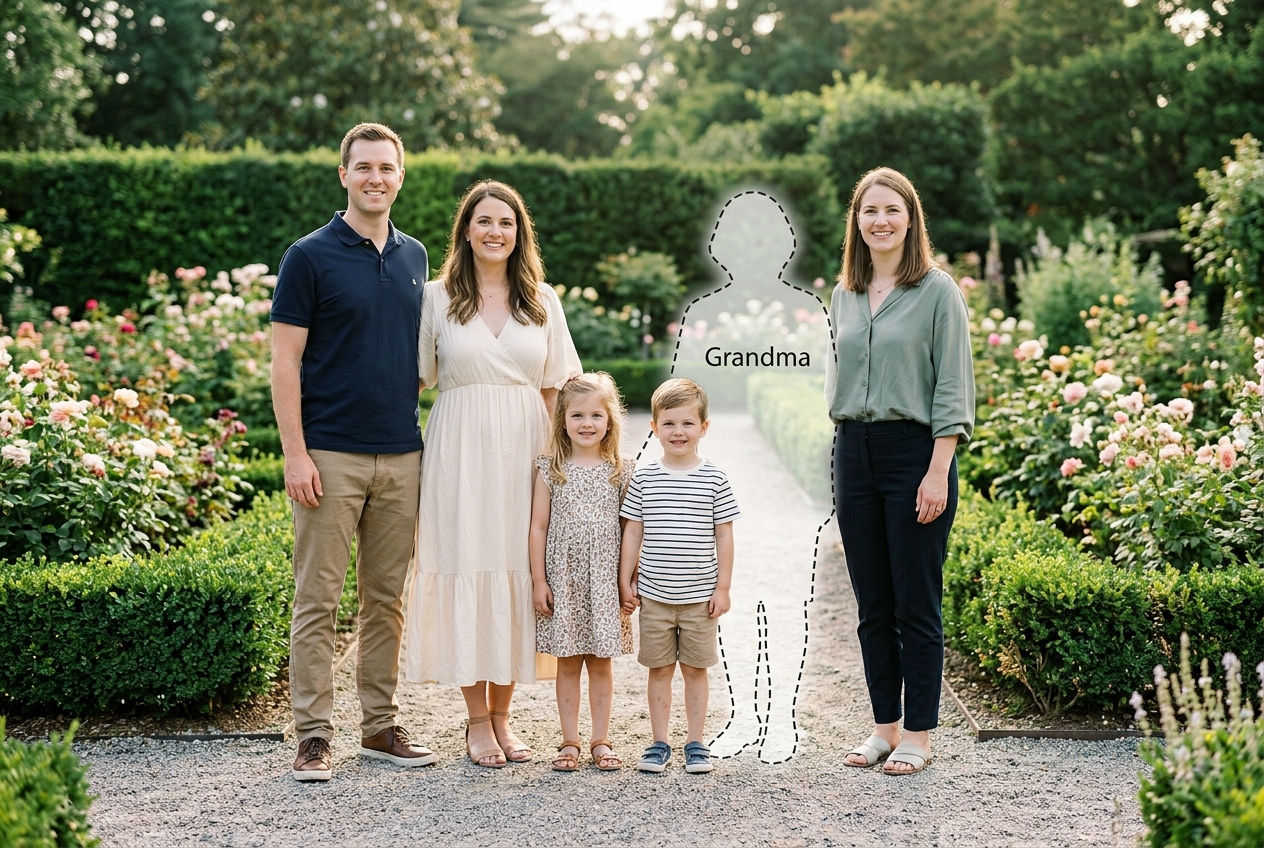
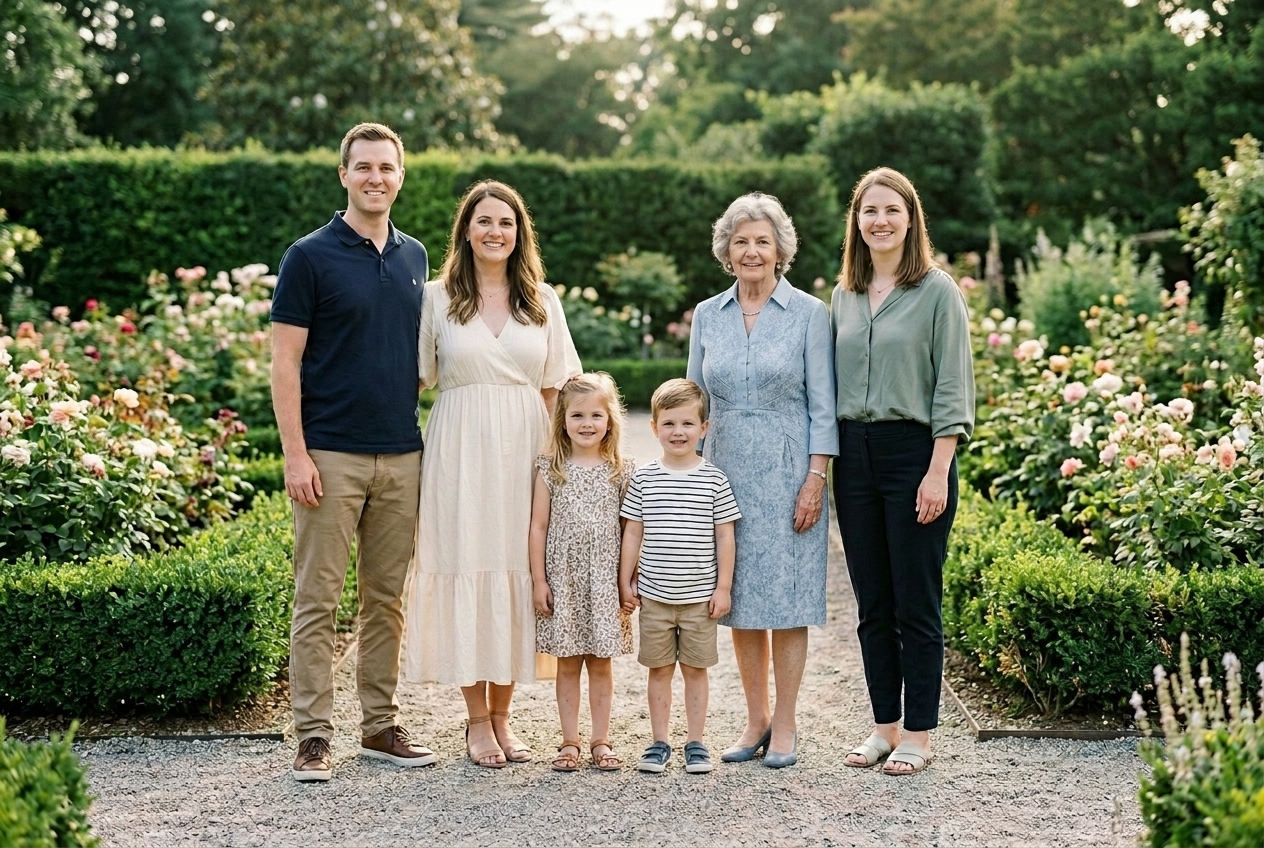
What usually works is a calm expression, matched head height, and believable interaction with the people nearest to her. What usually fails is leaving Grandma too sharp, too bright, or floating slightly above the floor line compared with the rest of the group.
Photo moments that work best
This page fits best when you already know the kind of family image you want to complete. Indoor portraits often work well because the camera distance is moderate and faces remain clear. Outdoor lineups are strong when the family is evenly spaced. Seated gathering scenes can be especially moving because Grandma often belongs there naturally.
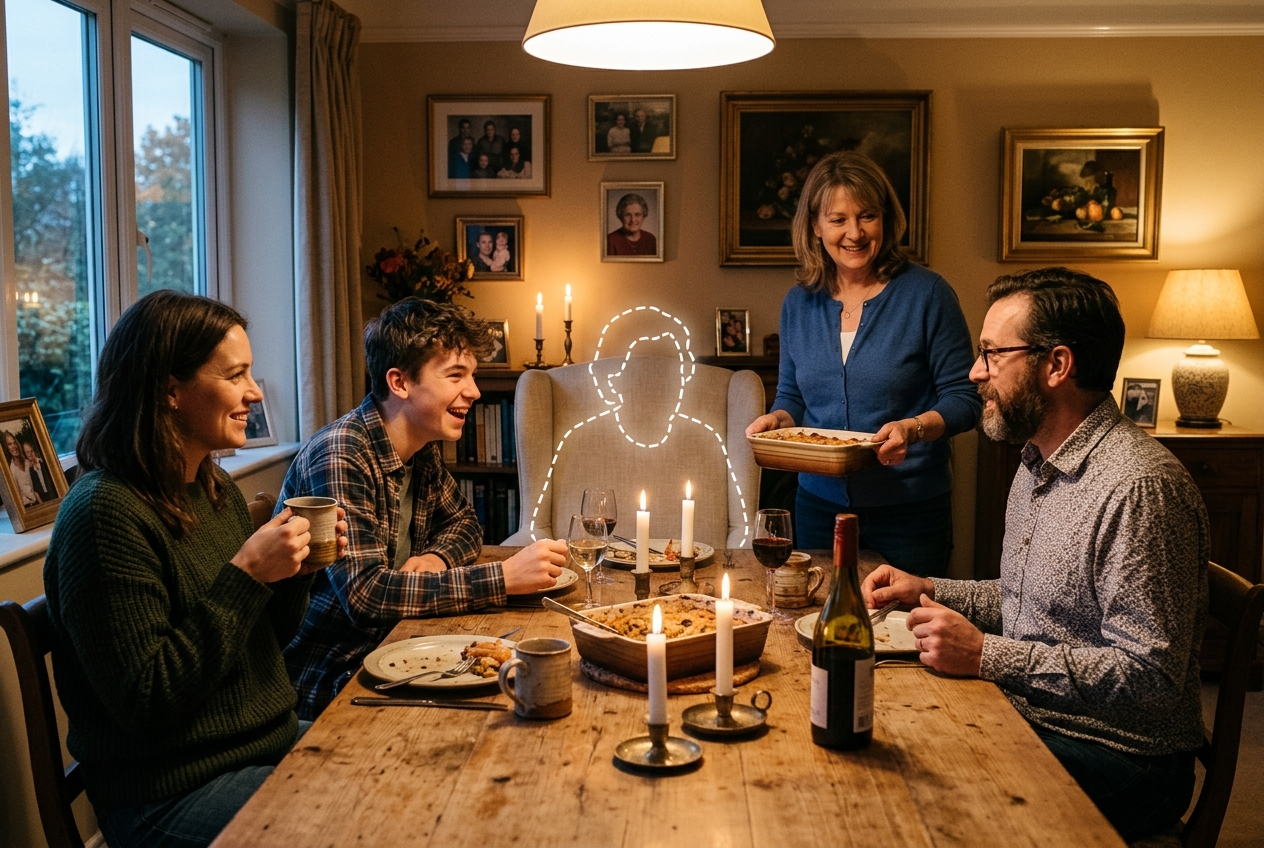
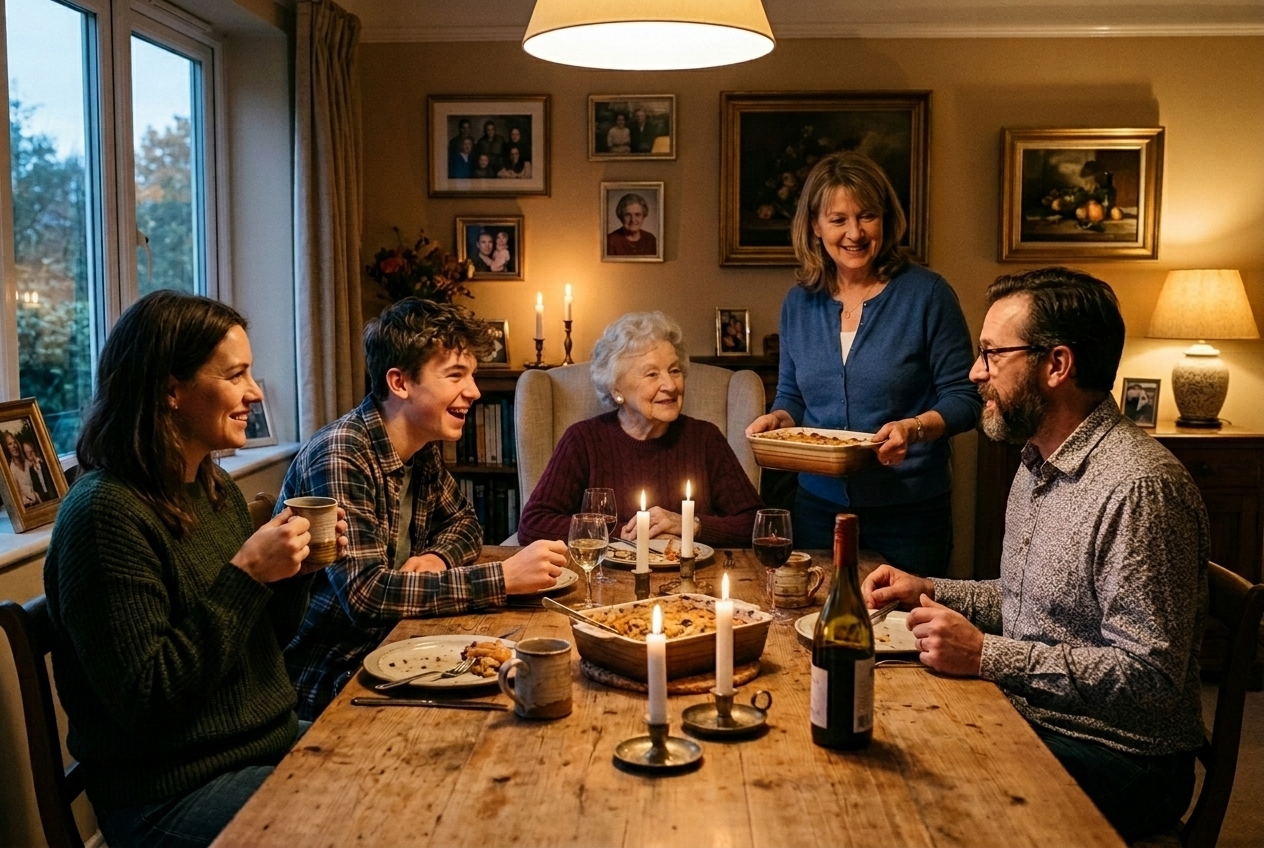
Before uploading, decide which moment matters most: the tidy portrait for framing, the outdoor family lineup for a reunion album, or the lived-in room scene that feels most like home. The best choice is usually the one where Grandma's place feels emotionally obvious and visually easy to trust.
When this page fits best
Choose this page if... you are trying to add Grandma to a photo, the missing person is clearly Grandma, and the image is meant to feel like a true family portrait rather than a broad memorial composition. This is the right page when your goal is to add Grandma to family picture layouts, reunion photos, or home portraits with believable placement.
Use a broader page if... you are not sure which family member will be added, the relationship is still open, or the photo is less about Grandma and more about a general remembrance edit. If your search intent keeps coming back to one family role and one clear placement, this focused page is usually the stronger fit.
Common questions
Start your Grandma photo edit
Begin with one clear family photo and one portrait of Grandma that still feels unmistakably like her. The strongest result usually comes from the simplest scene with the most believable place for her.